How to Dispose of a Flat Screen TV: A Business Guide


Your office just finished a conference room refresh, a floor move, or a branch consolidation. Now you’ve got a row of retired flat screens leaning against a wall, facilities wants them gone, and someone suggests hauling them to the dumpster or sending them out with a junk crew.
That’s where routine cleanup turns into an ITAD problem.
If you’re figuring out how to dispose of a flat screen tv in a business setting, treat it like any other asset retirement project. Some screens are just displays. Others are smart devices with storage, network settings, app logins, and usage history. All of them can create environmental liability if they leave your custody the wrong way.
Beyond the Dumpster Why Professional TV Disposal Matters
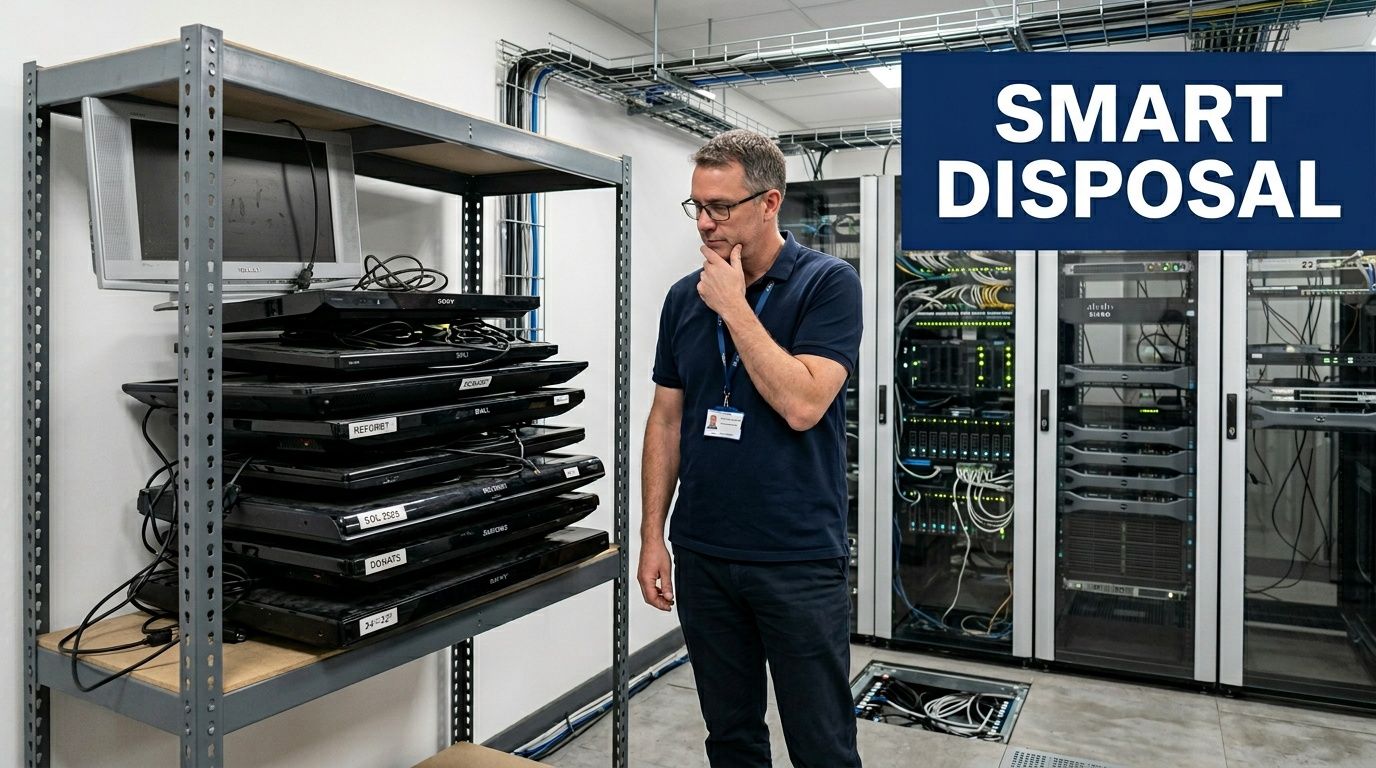
A business rarely retires one TV at a time. The usual pattern is a batch. Conference rooms get upgraded. Digital signage is replaced. A hospital wing changes displays. A school district closes a media lab. The pile grows fast, and the risk grows with it.
The environmental side is bigger than many realize. The world generated a record 62 million tonnes of e-waste in 2022, an 82% increase from 2010, according to the UN Global E-waste Monitor 2024. For businesses, that matters because TVs aren’t harmless bulky trash. They contain materials that can create real disposal problems when they’re dumped, mishandled, or pushed into the wrong downstream channel.
What business teams usually miss
Consumer advice treats TV disposal like a trip to a drop-off site. Commercial reality is different.
You’re not just removing a screen. You’re closing out an asset that may involve:
- Data risk from smart TV storage, app sessions, and saved network credentials
- Compliance exposure if the device came from a regulated environment such as healthcare, education, or government
- Chain-of-custody issues when multiple staff members move equipment with no documentation
- Brand risk if electronics end up dumped, stripped, or exported through a careless vendor
Practical rule: If a TV ever connected to your network, assume it needs the same retirement discipline you’d apply to any other connected endpoint.
Why dumpster disposal fails
A dumpster solves space. It doesn’t solve liability.
Most waste handlers don’t want TVs mixed into general waste streams because of hazardous components and disposal restrictions. Even if someone manages to get them off-site, you still won’t have proof of who handled them, how data was addressed, or where the units ended up.
That’s why businesses usually need a documented process, not a cleanup shortcut. If your team needs a formal path for secure electronics disposal, the right question isn’t “Who can take these away today?” It’s “Who can remove them without creating a security, compliance, or landfill problem later?”
Assess Your Inventory and Uncover Hidden Data Risks
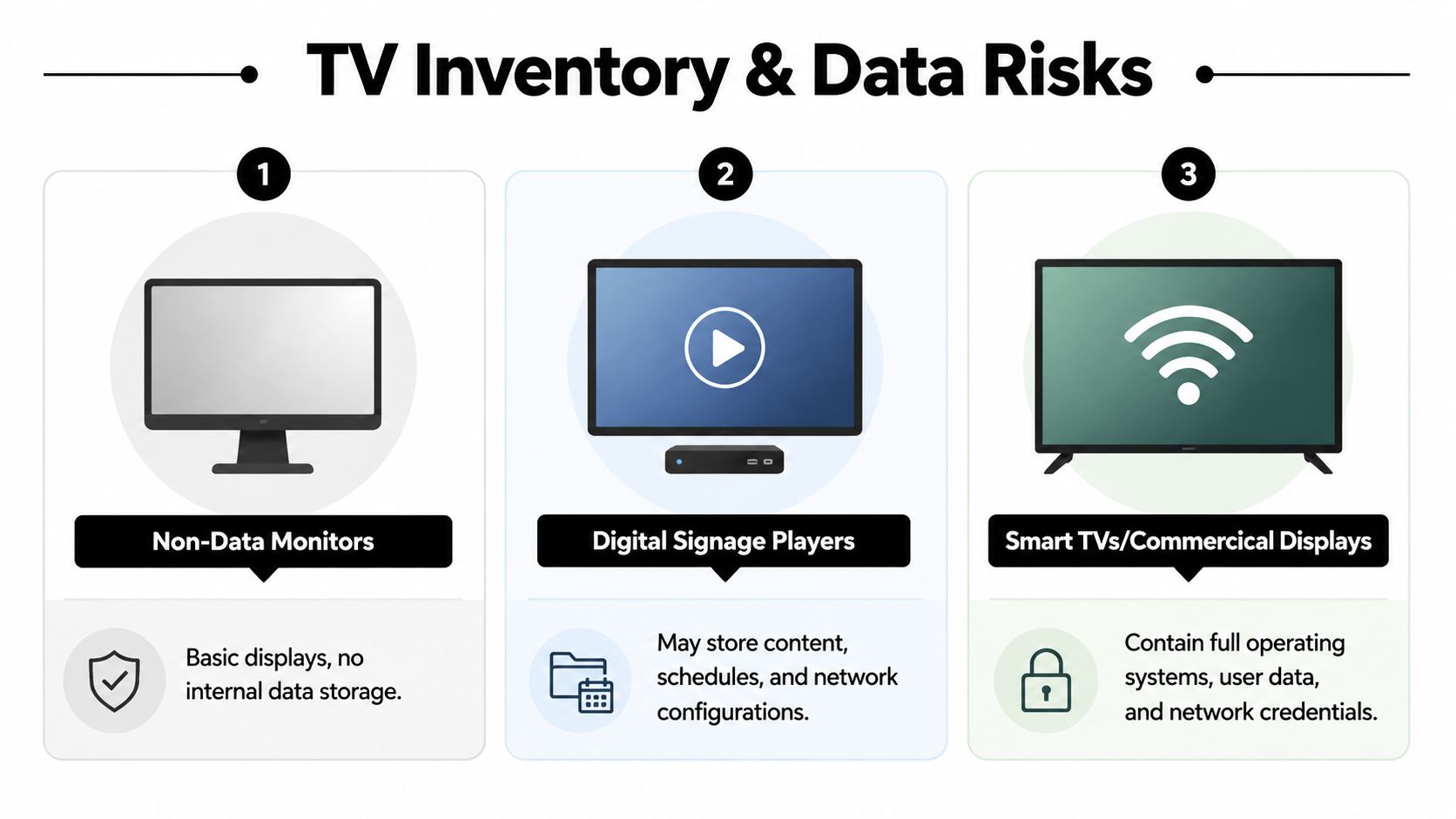
Before you schedule pickup, inventory the screens you have. In many organizations, “TVs” is a loose label that covers several different asset types. Some are simple display panels. Some include integrated smart platforms. Some are attached to external signage players that hold the primary data.
That distinction matters because disposal risk isn’t the same across the batch. A wall-mounted display in a break room may be low risk. A smart display in an executive boardroom or hospital waiting area may not be.
Sort the screens by function, not by size
Use a simple classification model during inventory:
| Device type | Typical business use | Primary disposal concern |
|---|---|---|
| Non-data monitors | Basic display output | Physical recycling and asset tracking |
| Digital signage setups | Lobbies, menus, wayfinding | Stored content, schedules, and network configs |
| Smart TVs or commercial smart displays | Conference rooms, patient areas, training rooms | Internal storage, apps, credentials, and user data |
The blind spot is storage. A 2023 EPA report noted 60% of e-waste TVs contain recyclable data storage, yet only 15% of commercial disposals use certified ITAD processes, as summarized in this TV disposal guidance. That gap is why standard consumer advice falls short for business environments.
What to look for during inventory
Don’t start with model age. Start with behavior.
Check whether the device has or had:
- Wi-Fi or Ethernet connectivity used for network access
- Installed apps such as streaming, conferencing, digital signage, or browser tools
- User accounts tied to staff, departments, or shared business subscriptions
- USB or internal media support for content playback or local caching
- External controllers such as mini PCs or signage boxes mounted behind the screen
A lot of teams also forget the accessories. Remotes, control tablets, attached media players, and wall-mounted compute modules often hold more useful data than the panel itself.
Treat display retirement as a small security assessment. Good asset review is part of mitigating real-world threats effectively, especially when a device doesn’t look like a traditional endpoint but still touched your network.
Build a usable record
Your inventory doesn’t need to be complicated, but it does need to be auditable. Capture serial number, location, department owner, connectivity type, smart features, and disposition path. If you’re managing volume across several sites, dedicated IT asset tracking software gives you a cleaner chain of custody than ad hoc spreadsheets passed between facilities and IT.
A TV that can’t be positively identified is harder to sanitize, harder to certify, and harder to defend in an audit.
Implement Compliant Data Destruction Protocols
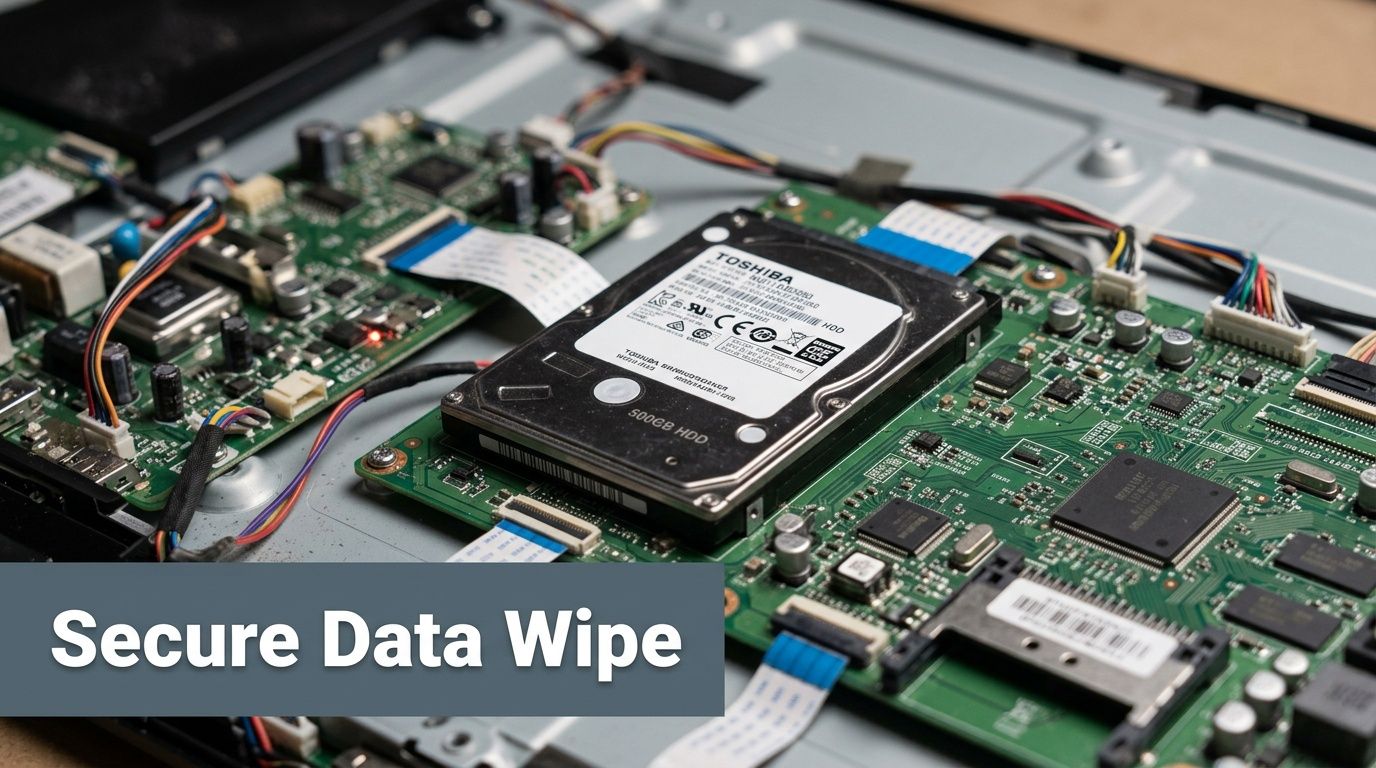
The most common mistake in business TV disposal is assuming a factory reset ends the job. It doesn’t.
A factory reset is a useful first action because it removes visible settings and user access. It is not, by itself, a compliance-grade destruction method for a smart TV that stored business data. If you manage healthcare, government, education, or any environment with internal security obligations, you need a process that can be verified.
What compliant sanitization looks like
The standard baseline is straightforward. For smart TVs, a factory reset must be followed by a DoD 5220.22-M 3-pass wipe for compliance. For non-functional drives or higher security needs, physical shredding offers 99.9% data destruction efficacy, according to this flat-screen TV disposal reference.
That means you should separate your devices into two paths:
Functional devices with accessible storage
- Perform a factory reset
- Confirm the device boots normally
- Apply a compliant wipe process to the storage media
- Log the action against the serial or asset ID
Non-functional devices or units with unverifiable erase status
- Remove the storage component if practical
- Send media for physical destruction
- Document destruction with a certificate tied to the asset record
Where teams go wrong
The weak points usually aren’t technical. They’re procedural.
Internal staff often reset a TV, unplug it, and assume it’s clean. Then the unit sits in a storeroom for weeks, gets moved by facilities, and leaves with no proof of sanitization. At that point, you’ve got a retired asset with uncertain data status and no audit trail.
A better process is:
- Reset before staging so devices don’t leave active sessions behind
- Tag status clearly with labels like pending wipe, wiped, or shred only
- Segregate sanitized and unsanitized units in different holding areas
- Require documentation before any pickup or transfer happens
A smart TV in a conference room can hold enough information to create a reportable problem. Don’t let the form factor fool you.
Match the control to the risk
Not every screen deserves the same treatment, but every connected screen deserves a deliberate decision.
If the device came from a lobby, common area, or training room and only held low-sensitivity settings, wiping may be enough if the storage can be verified. If the unit came from a patient area, security office, executive suite, or any place where sensitive information could have been displayed or cached, destruction is often the cleaner option.
Teams building disposal workflows should also think beyond the device itself. Broader controls around data leakage prevention help frame why display hardware belongs inside your overall information security program, not outside it.
For organizations that need a vendor-managed process, certified data destruction should include wiping where appropriate, shredding where necessary, and documentation that closes the loop for compliance review.
Manage Bulk Disposal Logistics Without Disruption

Bulk TV disposal fails when companies treat it like a weekend cleanup project. It isn’t. The hard part usually isn’t deciding to remove the screens. It’s coordinating de-installation, staging, packing, pickup windows, and internal approvals without disrupting staff or damaging the equipment before it reaches the recycler.
That pressure is growing. With a 25% rise in U.S. data center e-waste and Atlanta's tech corridor generating 12,000 tons annually, the need for coordinated, on-site bulk pickup for items like server room monitors and office TVs has become a major logistical challenge that consumer drop-off models cannot address, as noted in this television recycling overview.
Why internal handling usually breaks down
Facilities teams can remove a few units. That doesn’t mean they should manage a multi-floor project.
The trouble spots are familiar:
- Wall-mounted displays need safe de-installation and bracket removal
- Mixed batches often include signage players, cables, and small peripherals that get separated from the parent asset
- Temporary staging can clog hallways, storage rooms, and loading docks
- Transport damage can complicate reuse, resale, or controlled processing
If your staff handles everything manually, they also lose time they should be spending on support, infrastructure, and operational work.
What a clean project looks like
Professional logistics usually follow a tighter sequence than in-house ad hoc handling:
| Phase | What should happen |
|---|---|
| Pre-pickup planning | Confirm counts, locations, access windows, and security requirements |
| On-site de-install | Remove mounted units safely and keep accessories with the asset |
| Staging and packing | Organize by disposition path and prepare for secure transport |
| Scheduled pickup | Move assets through a documented chain of custody |
| Final reconciliation | Match what left the site against what was recorded |
If you have more than a handful of TVs across multiple rooms, on-site pickup is usually cheaper in staff time and cleaner from a custody standpoint than asking employees to improvise disposal.
For Atlanta-area projects, services built around bulk electronics recycling in Atlanta make more sense than consumer drop-off options because they account for access control, volume, and business continuity.
Choose a Certified E-Waste Partner for Auditable Compliance
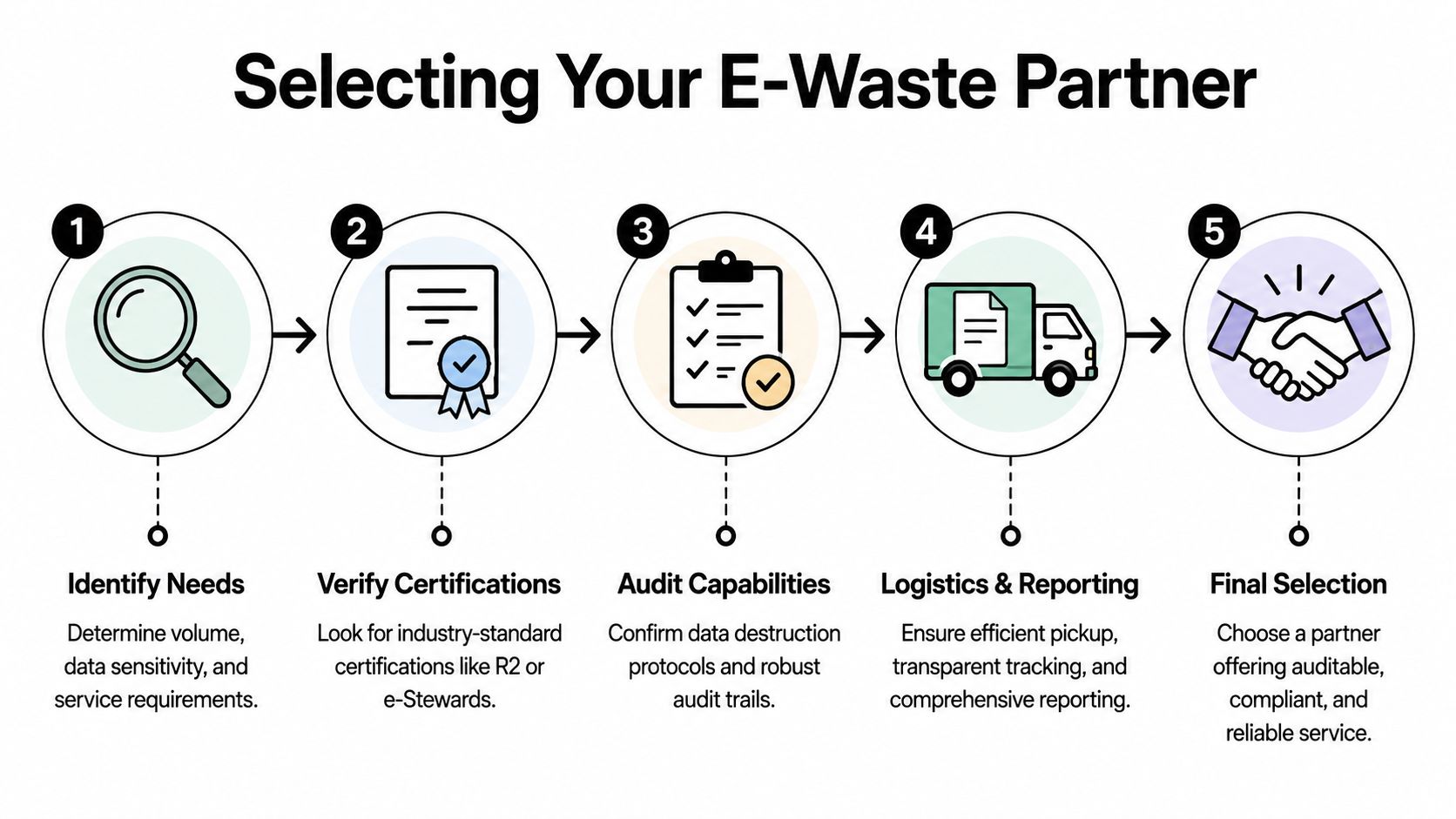
The disposal vendor determines whether your TV retirement project ends as a documented compliance event or an unanswered liability question. That’s why the final decision shouldn’t be based on who offered to “take everything away” the fastest.
A junk hauler removes clutter. A certified e-waste partner manages assets, data handling, downstream processing, and documentation. Those are not the same service.
Compare the two paths directly
Globally, only 22.3% of e-waste is formally collected and recycled. Since electronics comprise 70% of toxic landfill chemicals, using a certified recycler is essential to ensure TVs aren't illegally dumped, which is why many municipalities like Savannah explicitly reject them from curbside pickup, according to these e-waste facts.
That context matters when you evaluate vendors. Here’s the practical difference:
| Vendor type | What you get | What you may not get |
|---|---|---|
| Junk hauler | Fast removal | Verifiable downstream recycling, data controls, asset reporting |
| Scrap buyer | Commodity pickup | Full chain of custody, destruction records, compliance documentation |
| Certified recycler or ITAD provider | Managed collection, tracked handling, documented disposition | Usually requires more planning upfront |
Questions to ask before you release any screens
Don’t ask whether they recycle TVs. Ask how they control the process.
Use questions like these:
- What certifications do you hold? Look for recognized standards such as R2 or e-Stewards.
- How do you document chain of custody? You want itemized intake and traceability.
- What happens to smart TVs with storage? The answer should cover wiping, shredding, or both.
- Do you issue certificates? You need records for destruction and final disposition.
- Who are your downstream vendors? A serious recycler should be able to explain the path.
What “auditable” actually means
Auditable compliance is simple to define. If an internal auditor, regulator, or legal team asks what happened to a specific retired display, you should be able to show the inventory record, the transfer event, the sanitization action if applicable, and the final disposition documentation.
That’s the difference between “we believe it was recycled” and “here is the record.”
The right vendor doesn’t just remove equipment. They leave you with proof.
For commercial projects, one option is a specialized electronic waste recycling company that handles collection, documentation, and downstream processing in a way your IT and compliance teams can defend. In Atlanta, Atlanta Computer Recycling fits that model for business clients by combining pickup, ITAD handling, and documented disposition for retired electronics, including display equipment.
Your Next Steps for Secure TV Disposal in Atlanta
If you’re handling office TVs, conference room displays, digital signage, or smart screens from a healthcare, education, or public-sector site, keep the process simple and disciplined.
Start by identifying what the devices really are. Separate basic displays from smart TVs and from signage systems with external players. Then decide which units need sanitization, which need physical destruction, and which can move through standard recycling after documentation.
Use this short action list
- Count the units and note locations. Include mounted screens, storage-room units, and any attached media players.
- Flag connected devices. Anything that joined your network or ran apps belongs in the data-review bucket.
- Document asset details. Serial numbers, department ownership, and condition matter.
- Plan de-installation and pickup. Don’t leave that to general staff at the last minute.
- Require paperwork. Chain of custody and final certificates should be part of the job, not an extra.
If you’re in the Atlanta metro area, have the basics ready before you call a recycler: approximate quantity, device types, pickup addresses, whether units are wall-mounted, and whether any came from regulated environments such as hospitals or government offices. That short prep work speeds up quoting and helps the vendor scope labor, transport, and data destruction correctly.
If your need is residential rather than commercial, a business-focused ITAD provider may direct you to a partner drop-off option instead. That’s normal. The process for a homeowner with one TV is different from the process for an organization retiring a room, a floor, or a full site.
If you need a business-ready path for disposing of flat screens in Atlanta, Atlanta Computer Recycling can help you scope the project, identify data-bearing devices, coordinate pickup, and document final disposition so your team isn’t left guessing what happened after the TVs left the building.