Best Buy Recycling: Data Security for Your Business


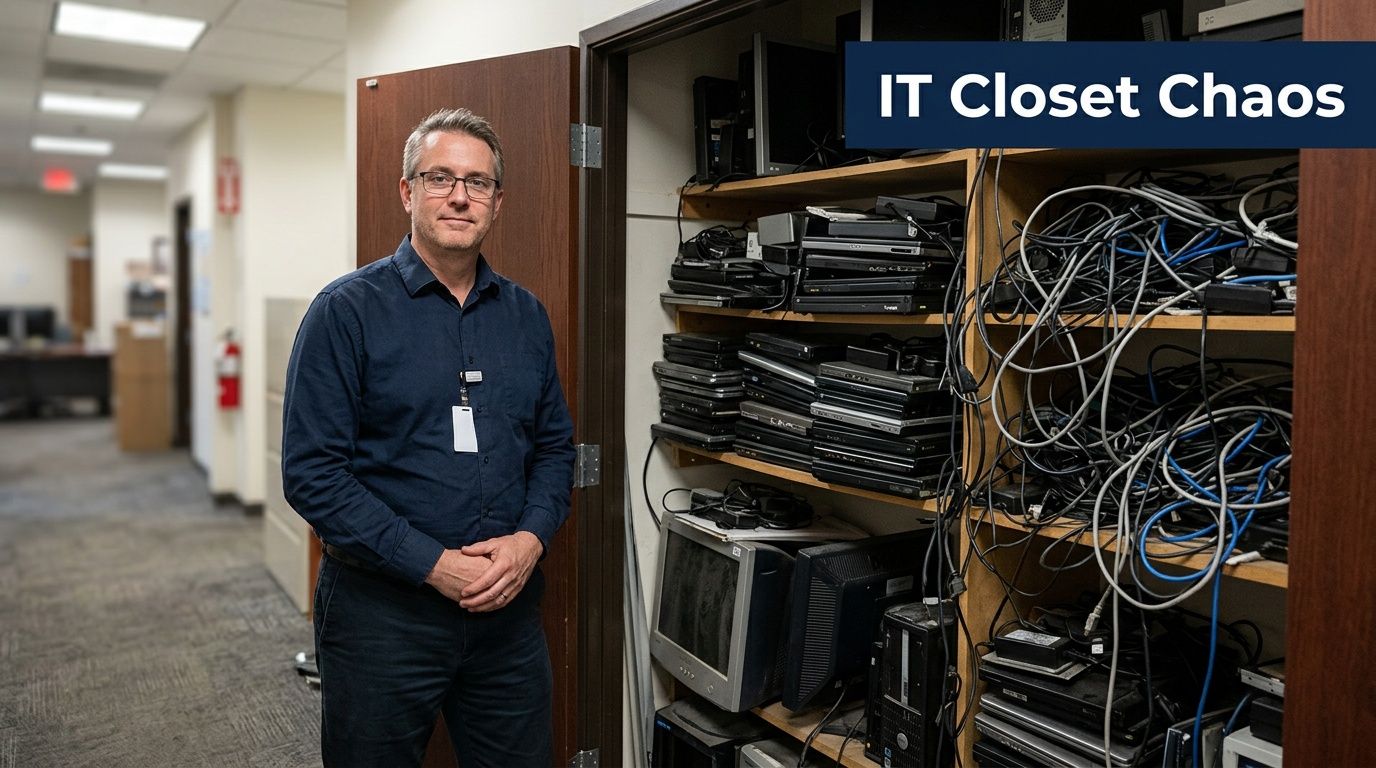
Old equipment rarely leaves all at once. It piles up in phases. A few retired laptops from a refresh, a box of dead phones from field staff, old switches from a network upgrade, maybe a server or two nobody wants to touch because the drives still hold company data.
That’s usually when someone asks the practical question: can’t we just use best buy recycling?
For personal electronics, that’s often a reasonable thought. For business assets, it’s where convenience can start to conflict with security, compliance, and chain of custody. The difference matters most when the devices in that closet once touched email, payroll, customer records, patient data, student information, or internal files you’d never want resurfacing later.
Your Office IT Closet vs Best Buy Recycling
The common business scenario isn’t a single dead tablet. It’s an IT closet with mixed generations of equipment, half-labeled boxes, and storage media nobody wants to guess about. Some devices are obviously ready for recycling. Others might still have resale value. A few may contain regulated data, and that changes the disposal decision immediately.
Best Buy has real scale in consumer e-waste. It launched its recycling program in 2009 and by 2019 had collected 2 billion pounds of electronics and appliances, establishing itself as America’s largest retail collector of e-waste, according to Best Buy’s program milestone announcement. That scale is important because it proves the program is established, visible, and convenient for the public.
Why that convenience is attractive
If you’re staring at a room full of retired gear, a retail drop-off sounds efficient. Put devices in a vehicle, drive to a store, unload them, and move on. For a small handful of non-sensitive items, that can work.
Many IT managers start there because the problem feels more like clutter than risk. It isn’t.
A retired laptop isn’t just old hardware. It’s a former endpoint with login credentials, browser tokens, local files, cached mail, and maybe VPN access history. A decommissioned copier can hold scanned records. An old server drive can hold years of shared data.
The real business question
The useful question isn’t whether Best Buy recycles electronics. It clearly does. The question is whether a program built for household drop-offs is the right fit for business-owned assets with data, compliance obligations, and volume.
Business e-waste decisions turn risky the moment storage media enters the picture.
That’s why IT teams often need a process that looks less like consumer recycling and more like controlled asset disposition. If your current pile includes desktops, laptops, phones, drives, access points, or rack equipment, this business guide to office electronics recycling in Atlanta is a better frame of reference than a retail returns counter.
How the Best Buy Recycling Program Works
A typical retail recycling visit looks like this. An employee loads a few old devices into a car, brings them to a store counter, and drops off what the program accepts under its household rules. For personal tech, that process is practical. For business assets, it starts to show limits fast.
Best Buy built this program around consumer convenience. That matters because the operating model explains the constraints. Stores generally accept common electronics in small quantities, and the process is designed around individual drop-offs rather than coordinated business pickups, serialized asset handling, or chain-of-custody controls.
What the program is set up to handle
The fit is straightforward when the items are small, common, and easy to transport. Phones, tablets, cables, laptops, networking accessories, and similar consumer devices are the kinds of equipment people typically bring in. Some larger products can be handled through separate haul-away or related service options.
Best Buy also gives consumers more than one path. The company has continued offering store drop-off, and outside reporting on the program notes expanded convenience options such as mail-in services and in-home pickup for certain categories, according to this Trellis analysis of the program.
That is useful context for IT managers. The program is broad, visible, and built to make small-scale electronics disposal easy.
What the customer experience actually looks like
From an operations standpoint, the process is simple:
- Bring eligible items to a store: This works best for a small number of devices that do not require scheduling, packing support, or removal from racks, desks, or storage rooms.
- Follow store program limits: Retail programs use quantity limits to keep intake manageable for front-of-store staff.
- Use mail-in options for some categories: That can help for individual items, but it does not solve asset inventory control for an office refresh.
- Use haul-away where available: Larger items may be tied to delivery or pickup services rather than standard electronics counter drop-off.
- Trade in working devices if they qualify: For usable consumer hardware, trade-in can make more sense than recycling.
A consumer program solves the handoff. It does not manage the full retirement workflow a business usually has to document.
Where the model fits, and where it starts to break
Best Buy recycling works well for a few low-risk items. An employee cleaning out a home office might bring in old speakers, cables, a broken keyboard, or a retired personal tablet and be done in one trip.
An Atlanta IT department handling a laptop refresh has a different problem. The work often includes collecting devices from multiple users, confirming which assets are still on the books, separating storage media, coordinating with facilities, and deciding whether any systems need data migration before retirement. In those cases, teams also need documented processes around device handling and sometimes secure data transfer methods before equipment ever leaves the site.
That is the operational gap.
What businesses often miss in a retail recycling model
Retail intake usually reduces the decision to a simple question. Is the item accepted or not? Business disposal projects rarely stay that simple.
| Business need | Retail program view |
|---|---|
| Mixed loads of laptops, phones, drives, and network gear | Item-by-item acceptance |
| Internal asset records | Managed by the customer |
| Data-bearing equipment | Prep and data responsibility stay with the customer |
| Pickup from an office or warehouse | Often outside the standard retail model |
| Audit trail by asset | Limited from the customer side |
For a few non-sensitive items, a local electronics disposal drop off option may be enough. For company-owned equipment, the main issue is whether the disposal process matches your security requirements, internal controls, and volume.
The Critical Gap for Business Data and Compliance
A laptop can leave your Atlanta office in ten minutes. Proving it was handled correctly six months later is the harder part.

That distinction matters more than many teams expect. Best Buy’s public recycling information explains what the program accepts and outlines general recycling handling, but it does not give business customers the level of detail many IT, legal, and compliance teams need around asset-level tracking, documented sanitization standards, or formal destruction reporting, according to Best Buy’s recycling program information. For household use, that may be enough. For company-owned equipment, it often is not.
Consumer recycling answers a disposal question. Business IT disposition has to answer an evidence question.
Why unrecoverable is different from auditable
If a retired device once held customer records, employee files, protected health information, financial data, or legal documents, your organization may need more than a general assurance that downstream partners handle media responsibly. You may need to show exactly what happened to each asset.
That usually means keeping a record of:
- Which specific asset was retired
- Whether storage media was removed, wiped, or destroyed
- Who took custody of the device
- When the handoff occurred
- What documentation was issued at the end of the process
Without those records, an IT team can dispose of equipment responsibly and still create audit trouble. I see this gap often after office moves, refresh cycles, and storage-room cleanouts. The devices are gone, but the paperwork does not match the risk profile of the equipment that left.
Compliance pressure shows up in routine decisions
This is not just a healthcare issue, although healthcare is a clear example. A clinic, law office, school, bank, manufacturer, or city department may all have equipment that contains regulated or sensitive data. Once that data exists on a drive, SSD, phone, or copier, disposal becomes part of your control environment.
A simple drop-off model leaves key steps with your staff. Someone has to confirm whether data migration is complete, verify backups, separate reusable equipment from media that should be destroyed, and coordinate secure data transfer methods before a device is retired. If those steps are informal, mistakes are easy to make and hard to defend later.
One sentence usually ends the debate with compliance teams: "Can we prove what happened to this asset?"
Volume increases exposure
A few devices are manageable. Fifty are a project.
At that point, the risk is not only data destruction. It is also chain of custody, labor, consistency, and recordkeeping. Equipment may sit in a staging room for weeks. Different departments may label assets differently. Loose drives may be separated from the systems they came from. Staff members making retail runs are doing transportation work and custody transfers, even if that was never part of their job description.
Those are operational issues, not edge cases.
What businesses usually need instead
Business disposition works better when the process is built around pickup scheduling, serialized intake, media handling rules, and documentation your auditors can use. That is why regulated organizations often choose a provider experienced in HIPAA-compliant electronics recycling in Atlanta rather than relying on a consumer-facing recycling channel.
Recycling still matters. For an IT manager, though, the harder requirement is controlling risk from the moment equipment is decommissioned until final disposition is documented.
Comparing Retail Recycling to a Dedicated ITAD Provider
The easiest way to evaluate best buy recycling for business use is to compare the service model against a dedicated IT asset disposition process. They may overlap on environmental intent, but they differ sharply in execution.
Retail Recycling vs. Professional ITAD Services
| Feature | Best Buy Recycling (Consumer-Focused) | Professional ITAD Provider (Business-Focused) |
|---|---|---|
| Primary use case | Household and individual electronics disposal | Business-owned equipment retirement and disposition |
| Intake model | In-store customer drop-off, with consumer-oriented options | Scheduled business service with coordinated intake |
| Volume handling | Best for small consumer quantities | Built for bulk loads, refresh cycles, and facility clear-outs |
| Data destruction proof | Limited customer-facing documentation for enterprise needs | Asset-level documentation and formal destruction records |
| Chain of custody | Retail handoff model | Managed custody from pickup through final disposition |
| On-site services | Not built around office de-installation | Can include packing, removal, and project coordination |
| Compliance support | General responsible recycling framework | Designed around business audit and policy needs |
| Reporting | Consumer-facing process | Inventory, status reporting, and disposition records |
| Asset remarketing | Trade-in for eligible consumer devices | Structured business value recovery when appropriate |
| Project scope | Single-user convenience | Departmental, campus, clinic, office, and data center projects |
The biggest operational differences
Retail recycling assumes the customer will do most of the preparation. The customer identifies items, transports them, and hands them over. That’s fine for a resident cleaning a garage.
Business ITAD assumes the opposite. The provider expects mixed inventory, data-bearing hardware, internal approvals, and a need for predictable handling. That’s why business projects often include serialized tracking, staged pickup, drive removal, and formal closeout records.
Why chain of custody changes the decision
A chain of custody isn’t just legal language. It’s a practical log of responsibility. If a laptop disappears after leaving your office, you need to know where responsibility passed from your team to a vendor.
That’s one reason enterprise teams don't evaluate disposal options only on recycling capability. They evaluate on controlled custody, documentation, and repeatability.
The right vendor doesn’t just take equipment away. The right vendor helps your team defend the decision later.
Asset value recovery isn't the same as trade-in
Working consumer electronics may fit a retail trade-in path. Business asset recovery is broader. It can involve batches of laptops, mixed-condition desktops, networking gear, and equipment removed during relocations or closures.
The business question isn’t “can I get store credit?” It’s “which assets should be reused, refurbished, remarketed, or destroyed, and can that be documented consistently?”
Environmental responsibility still matters
A professional ITAD process shouldn’t reduce sustainability. It should improve control while preserving responsible downstream handling. That’s the standard many businesses need now. Security and sustainability aren’t competing goals.
If you’re evaluating local downstream practices and certified handling frameworks, a reference point like CHARM recycling in Atlanta can help clarify how public recycling programs differ from business-focused disposition channels.
The Secure Solution for Atlanta Organizations
Atlanta organizations usually run into the same practical wall. The hardware is local, the risk is local, but the disposal process gets treated like a generic errand. That’s where projects stall. Equipment sits longer than it should because nobody wants to be the person who moved sensitive assets without a clean process.
Best Buy’s internal zero-waste work is meaningful. By 2024, 69% of its facilities were TRUE certified, with a goal of reaching full certification by 2025, according to Best Buy’s zero-waste update. But those internal metrics don’t answer the business-side questions Atlanta IT managers face during office closures, clinic upgrades, school refreshes, or data center changes.
What Atlanta teams usually need instead
A business-ready process typically includes services that a retail program isn’t designed around:
- On-site pickup: Equipment leaves directly from the office, school, hospital, or facility.
- Minimal disruption: Staff don’t spend the day sorting gear for repeated store runs.
- Mixed inventory handling: Laptops, desktops, servers, phones, switches, and loose drives can move under one plan.
- Sensitive-media workflow: Obsolete and failed drives need a defined path, not assumptions.
- Project coordination: Large decommissioning work needs sequencing, not a public counter.
That’s why many organizations choose a dedicated pickup and disposition workflow for retired hardware instead of adapting a consumer model to fit business risk.
When local service matters
The Atlanta metro area has plenty of organizations with complex disposal needs: healthcare groups, universities, district offices, public agencies, legal firms, and multi-site businesses. These teams don’t just need equipment gone. They need the process to stand up under internal review.
Local coordination matters most when the job involves any of these:
| Common project type | Why retail recycling struggles |
|---|---|
| Office move | Requires timing, packing, and bulk removal |
| Hardware refresh | Generates too many devices for household-style limits |
| Data center cleanup | Includes servers, racks, drives, and structured sequencing |
| School or campus surplus | Involves distributed assets and varied custody points |
| Healthcare device retirement | Needs stricter data handling and documented controls |
What a purpose-built process looks like
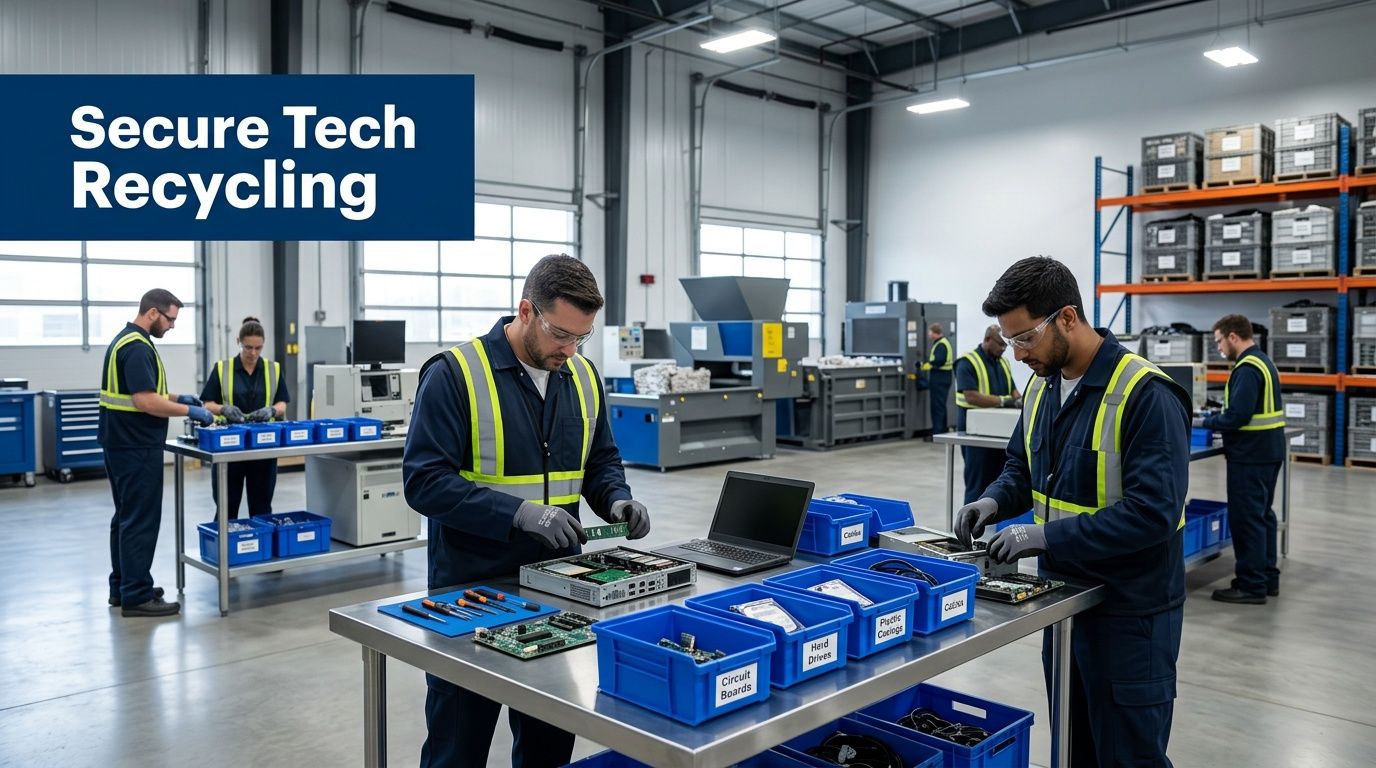
The strongest approach is simple. Inventory what you have, separate high-risk media, schedule pickup, maintain custody records, and close the project with documentation. That process scales far better than collecting business assets in storage until someone has time to drive them somewhere.
For organizations that need removal at the facility rather than drop-off at a store, a service built around IT equipment pickup in Atlanta is usually the cleaner operational fit.
Good disposal planning reduces two kinds of waste at once: electronic waste and internal staff time.
Your E-Waste Disposal Decision Checklist
An Atlanta IT manager cleaning out a storage room usually finds the same mix. Old laptops from a refresh, a few phones, retired network gear, maybe a printer or copier nobody claimed. The mistake is treating that pile like household recycling. Business equipment carries chain-of-custody, data, and documentation requirements that a consumer drop-off program was never built to handle.
Best Buy can be a reasonable outlet for a small number of low-risk consumer devices. For business assets, the decision should start with one question. If this equipment disappeared, was resold without proper sanitization, or came up in an audit six months from now, could your team prove it was handled correctly?
That is the practical divide between retail recycling and ITAD.
Five questions to ask before anything leaves your building
Does any device store data or credentials?
Assume yes until you confirm otherwise. Laptops, desktops, servers, phones, MFPs, copiers, external drives, firewalls, and even some switches can hold user data, scanned documents, saved credentials, or configuration details. If data is part of the project, disposal starts with sanitization and records.Will your organization need documentation later?
Security teams, compliance staff, legal, procurement, cyber insurers, and outside auditors often ask for proof after the equipment is already gone. If you cannot match assets to disposition records, the project will be hard to defend.Who controls the equipment from your office to final processing?
Custody gaps create preventable risk. Staff cars, unlogged pickups, mixed pallets, and informal handoffs make it harder to show who had each asset and when. That matters most for regulated organizations, but it also matters for basic internal accountability.Is the goal only removal, or proper disposition?
Clearing space is not the same as closing risk. A sound program addresses reuse where appropriate, verified recycling for end-of-life material, and reporting that supports internal policy. Teams building broader environmental and facilities policies often borrow from Total Waste Management strategies so e-waste decisions fit into a larger operating model.How much equipment are you dealing with?
Volume changes the answer quickly. A box of keyboards is manageable. A branch closure, lab cleanout, or server room decommissioning usually needs scheduled pickup, asset tracking, and a documented downstream process.
A practical rule for choosing the right path
Use retail recycling only for low-risk items with no meaningful data exposure and no real need for documentation.
Use a business ITAD process if any of the following is true:
- The load includes data-bearing devices
- Your team needs asset-level records
- The equipment volume is more than a minor office cleanout
- Pickup, packing, or site coordination is required
- Your organization answers to HIPAA, contract terms, legal hold concerns, procurement controls, or internal security review
Convenience matters. So does defensibility. For business-owned electronics, defensibility usually wins.
What to avoid
Do not let retired assets sit in a closet for months because nobody owns the project. Once equipment is out of service, records drift, labels fall off, and staff memory gets worse.
Do not rely on verbal confirmation that drives were wiped or equipment was recycled properly. If proof matters, collect proof at the start of the job, not after someone asks for it.
A disposal decision is only as good as the records behind it.
Frequently Asked Questions for IT Managers
Can we wipe drives ourselves and then use best buy recycling?
You can wipe drives internally, but that only solves part of the problem. The challenge is proving the wipe was completed consistently, documenting which assets were wiped, and preserving custody after they leave your office. If your team has a disciplined process, self-wiping may reduce risk. It usually doesn’t replace the need for auditable destruction records when the assets are business-owned.
Is Best Buy recycling acceptable for keyboards, mice, and cables from an office cleanup?
For low-risk accessories with no data storage, a retail recycling path may be perfectly reasonable. The caution starts when those boxes also contain laptops, phones, printers, copiers, SSDs, external drives, or network devices with stored credentials and configuration history. Mixed loads are where teams make bad assumptions.
If Best Buy says data is rendered unrecoverable, why isn't that enough for a business?
Because businesses often need asset-level proof, not just a general program statement. Internal security teams, auditors, and regulated environments usually want records tied to specific equipment, especially when the equipment once held sensitive or regulated information.
What about servers and data center gear?
That’s where retail recycling is least practical. Server decommissioning often involves racks, rails, loose drives, power equipment, cable management, sequencing, and site access coordination. It’s an operations project. Treating it like a consumer drop-off task creates unnecessary risk and internal labor.
Is trade-in better than recycling for company laptops?
Sometimes, but trade-in and business asset recovery aren’t the same thing. Trade-in is usually built around eligible devices in consumer-friendly condition. Business recovery decisions are broader. They account for age, condition, storage media, configuration, quantity, and whether the organization needs documentation before anything is resold, reused, or recycled.
Do environmental certifications matter if our main concern is data security?
Yes, but they shouldn’t be evaluated in isolation. A strong disposition process needs both responsible downstream recycling and disciplined data handling. If a vendor is excellent on environmental messaging but weak on chain of custody, that’s still a problem. The reverse is also true.
What’s the simplest rule for deciding?
If the asset came from your business and ever stored company, employee, student, patient, financial, or customer data, don’t treat it like household e-waste. Use a business-grade ITAD process. Reserve retail recycling for low-risk consumer-style items where documentation and custody don’t drive the decision.
If your organization needs a safer path than retail drop-off, Atlanta Computer Recycling provides business-focused electronics recycling and IT asset disposition across the Atlanta metro area. For offices, schools, hospitals, government teams, and data centers, that means secure handling, practical pickup logistics, and a process built around business risk rather than household convenience.