How to Erase a Computer Hard Drive: A Business’s Guide to Data Security

Erasing a computer hard drive for business purposes is not a simple delete-and-forget task. Methods like dragging files to the trash or running a standard format are dangerously insufficient for corporate data, leaving sensitive information vulnerable to recovery. Secure data erasure requires specialized software to overwrite every sector multiple times or leveraging built-in hardware commands like ATA Secure Erase for modern SSDs. This is more than a cleanup task—it's a critical security protocol for any IT asset being recycled, resold, or retired.
Why Securely Erasing Your Hard Drives is a Business Imperative
That closet full of decommissioned hardware isn't just taking up space; it's a repository of corporate risk. Many businesses mistakenly believe that 'deleting' files or reformatting a drive is enough to protect sensitive data. This common misconception leaves them critically exposed to data breaches.
When an old hard drive leaves your facility without being properly sanitized, it carries a ghost of its former life: financial records, customer PII, intellectual property, and employee information. In the wrong hands, that data can lead to catastrophic consequences.
The Real Costs of Improper Data Disposal
A data breach isn't a minor setback; it's a significant business threat. Regulatory bodies enforcing GDPR, HIPAA, and other standards can levy crippling fines, often running into the millions. However, the direct financial penalty is only the beginning. The reputational damage can erode customer trust that took years to build, impacting your bottom line long-term.
A single laptop or server discarded without proper data sanitization can undermine all your other cybersecurity investments. That is why secure drive wiping is one of the most fundamental data breach prevention tips a company can implement.
For IT managers and business leaders, the takeaway is clear: data erasure isn't an IT chore; it's a core component of your risk management strategy. It is a proactive defense that protects your company’s financial health, competitive advantage, and legal standing.
A Growing Market Driven by Escalating Threats
The intense focus on data security is reflected in market trends. The Hard Disk Eraser Market, valued at USD 0.5 billion, is projected to more than double to USD 1.2 billion by 2034. This growth indicates a massive corporate demand for reliable, professional-grade data sanitization solutions.
This surge is a direct response to the escalating threat landscape. With cybercrime costs predicted to reach $10.5 trillion annually by 2025, organizations are compelled to adopt professional erasure tools and services. You can see the full breakdown in the complete hard disk eraser market report.
Ultimately, understanding how to erase a computer hard drive is more than a technical skill; it's a business necessity. Our guide on old hard drive disposal offers more context on building a secure IT asset retirement plan from the ground up.
Choosing Your Erasure Method: HDD vs. SSD Realities
When deciding how to erase a computer hard drive, the first critical question is: "What kind of drive is this?" Applying a one-size-fits-all approach to data erasure creates a significant security gap. Traditional Hard Disk Drives (HDDs) and modern Solid-State Drives (SSDs) are fundamentally different, and their data must be wiped using distinct methods.
An HDD operates mechanically, using a magnetic head to write data onto spinning platters. This makes software-based overwriting a viable sanitization method. An SSD, in contrast, is a complex network of flash memory cells managed by a sophisticated controller. Its design delivers incredible speed but makes traditional overwriting methods ineffective.
The flowchart below provides a simple decision-making framework for determining whether to erase, reuse, or destroy hardware based on its age and the level of business risk involved.
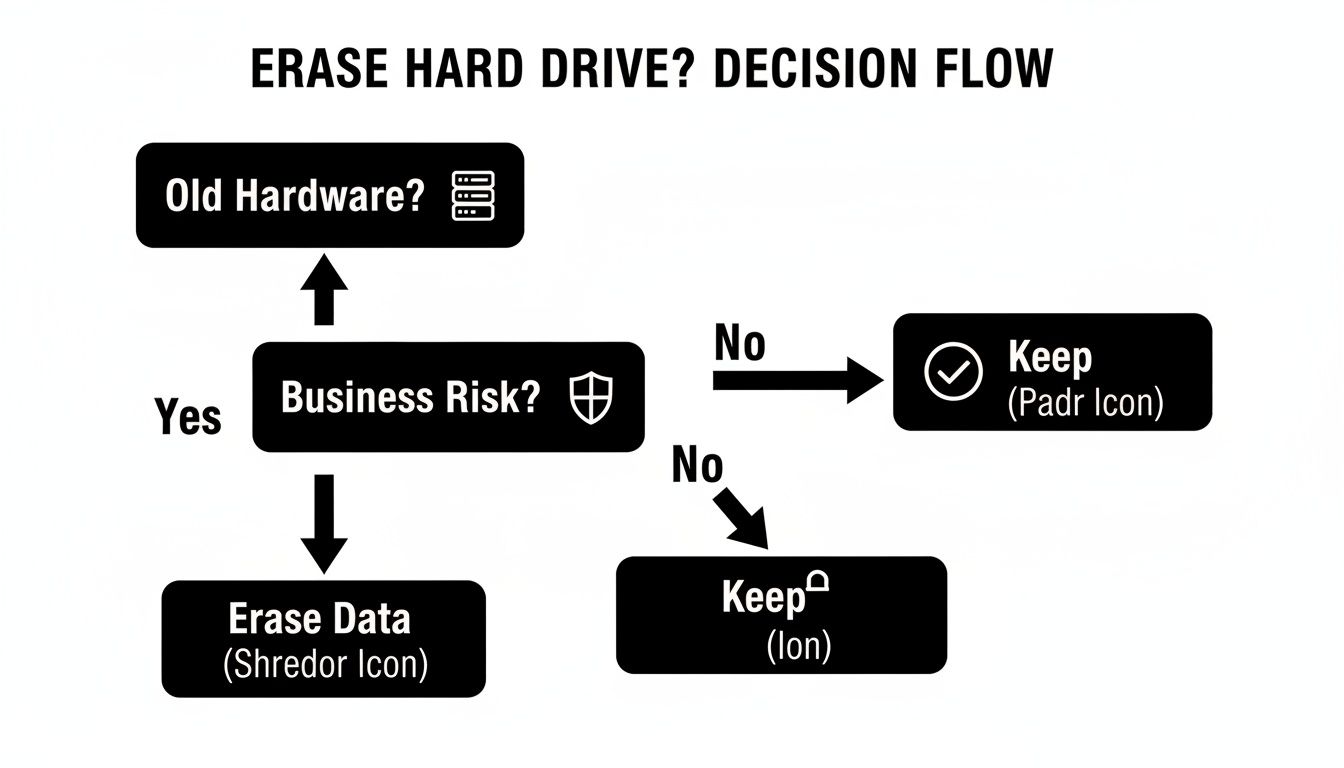
As the chart shows, after identifying aging hardware, a risk assessment is the essential next step. This assessment will directly inform the data destruction strategy your business must implement.
The Problem with Wiping SSDs Like HDDs
For years, the gold standard for erasing HDDs was multi-pass overwriting, with the DoD 5220.22-M 3-pass method being the most well-known. This process writes patterns of ones and zeros over the drive multiple times, effectively scrambling the original magnetic data. For magnetic media, this remains a valid technique.
However, attempting this on an SSD is not just ineffective—it's damaging. SSDs use a process called wear leveling, where the controller spreads write operations across all memory cells to prevent premature failure.
When you run a multi-pass overwrite on an SSD, the controller intercepts these commands and redirects the data to different, lesser-used cells. The original data you intended to erase may remain untouched, invisible to the OS but easily recoverable with specialized tools. You are simply reducing the drive's lifespan without achieving data sanitization.
Hard Drive Erasure Methods HDD vs SSD
Because these technologies are so different, you must use erasure methods designed for each specific drive type. Here’s a breakdown of the right tools for the job.
| Attribute | HDD (Hard Disk Drive) | SSD (Solid-State Drive) |
|---|---|---|
| Primary Mechanism | Magnetic platters and read/write heads | Flash memory cells and a controller |
| Best Erasure Method | Multi-pass software overwriting | ATA Secure Erase or Crypto-Erase |
| Overwriting Effectiveness | Highly effective (e.g., DoD 5220.22-M) | Ineffective and damaging due to wear leveling |
| Firmware Commands | Not a primary erasure method | ATA Secure Erase (built-in command) |
| Encryption-Based Erasure | Not standard | Crypto-Erase for Self-Encrypting Drives (SEDs) |
| High-Security Option | Degaussing (powerful magnet) | Firmware-based erase or physical destruction |
| Guaranteed Destruction | Physical shredding or disintegration | Physical shredding or disintegration |
Ultimately, the choice comes down to understanding the technology. For HDDs, you overwrite the physical data. For SSDs, you command the drive to electronically erase itself. Recognizing this distinction is essential for any secure IT asset disposition (ITAD) program.
NIST research confirms that a simple format is dangerously insufficient, leaving up to 90% of data recoverable. In stark contrast, methods like ATA Secure Erase are proven to be 99.9% effective for SSDs. This is also far more efficient than a multi-pass overwrite on a large HDD, which can take up to 72 hours for a single 1TB drive.
Understanding the specifics of how you wipe a computer hard drive is the key to avoiding these common—and costly—business mistakes.
A Practical Guide to Software-Based Wiping
For routine, in-house data sanitization, software-based wiping is your IT team's first line of defense. This process systematically overwrites every sector of a hard drive with meaningless data, making the original information practically irrecoverable.
This method is ideal for preparing computers for internal redeployment, donation, or low-risk recycling scenarios. The goal is to equip your team with the knowledge to handle standard erasure tasks effectively and securely. We'll focus on practical applications for the operating systems your business relies on.
Wiping Hard Drives in a Windows Environment
For most Windows-based machines, your IT team has several options. While the built-in format command seems basic, using a specific parameter can perform a single-pass overwrite—a significant improvement over a "quick format."
However, for a higher degree of security on older HDDs, a dedicated bootable tool is often the best choice. A well-known example is Darik's Boot and Nuke (DBAN). DBAN is a powerful, free utility that operates independently of the installed OS.
Here is a typical business workflow:
- Create a Bootable USB: An IT administrator burns the DBAN ISO file onto a USB drive.
- Boot the Target Machine: The computer is restarted and configured to boot from the USB instead of its internal drive.
- Initiate the Wipe: DBAN’s interface allows selection of the target drive and an erasure method, such as a multi-pass overwrite compliant with DoD standards.
This approach ensures the entire drive is sanitized, including the operating system partition, leaving no trace of previous data.
A critical note for your IT team: DBAN is excellent for traditional HDDs but is not recommended for SSDs. As discussed, overwriting an SSD is ineffective. Furthermore, DBAN does not provide a certificate of erasure, a document often required for corporate compliance and audits.
Secure Erasure on macOS and Linux Systems
For Apple hardware, the process is equally manageable. On older Macs with HDDs, the built-in Disk Utility includes security features that perform multi-pass overwrites. Your team can access this by booting into Recovery Mode, launching Disk Utility, and selecting "Security Options" when erasing a drive.
For Linux administrators, the command line offers direct and powerful control. Two common commands for securely wiping HDDs are shred and dd.
The shred command is designed specifically for this task. A typical command might be:
sudo shred -v -n 3 /dev/sda
Here, -v provides verbose output to monitor progress, and -n 3 instructs the system to overwrite the drive (/dev/sda) three times.
The dd command, sometimes nicknamed "disk destroyer," can flood a drive with zeros or random data. For example:
sudo dd if=/dev/zero of=/dev/sda bs=4M status=progress
This command writes an infinite stream of zeros from /dev/zero directly to the target drive (/dev/sda). While effective, dd is unforgiving; a single typo could wipe the wrong drive. Your team must always double-check the target drive designation before execution.
Whether using built-in utilities or command-line tools, the principle is the same: ensure every sector is overwritten. For a deeper dive into technical specifics, our complete guide on how to wipe a computer's hard drive is a valuable resource for your team.
Knowing When to Call in a Professional Destruction Service
While software-based wiping is a valuable tool for routine IT asset management, there are critical situations where it simply does not provide the required level of security. At this point, a DIY approach introduces unacceptable business risk, making guaranteed, irreversible physical destruction the only responsible choice.
Recognizing this threshold is a key component of a robust data security strategy. It's a strategic decision to completely eliminate doubt and liability associated with high-stakes information. For any business, understanding the clear indicators for professional intervention is essential.
When Software Wiping Falls Short
Certain scenarios demand a level of assurance that software alone cannot provide. If your drives fall into any of these categories, it’s time to engage a professional service.
- Drives Containing High-Stakes Data: If a hard drive ever stored sensitive intellectual property, R&D data, financial records, or customer PII, the risk of an incomplete software wipe is too great. Physical destruction is the only way to guarantee this data can never be reconstructed.
- Strict Compliance Mandates: Industries governed by regulations like HIPAA, PCI-DSS, or SOX have stringent data protection requirements. These frameworks often demand an auditable chain of custody and a certified destruction method. A professional service provides a Certificate of Destruction—indispensable proof of your due diligence.
- Damaged or Non-Functional Hardware: Software cannot wipe a drive it cannot communicate with. If a drive is physically damaged, has a failed controller, or will not power on, your software tools are useless. The data may still be intact and recoverable, making physical destruction the only viable option.
Understanding Professional Destruction Methods
When you partner with a professional service, you gain access to industrial-grade technology designed for absolute data elimination. These methods do not just overwrite data; they physically obliterate the storage media itself.
The growth in this sector highlights its importance. The Hard Drive Destruction Service Market is projected to climb from USD 1.65 billion to USD 5.05 billion by 2035. This trend confirms that businesses are prioritizing physical destruction as the gold standard for irreversible data erasure. You can explore a full analysis of this market’s rapid growth for more insights on hard drive destruction services.
Key Takeaway: Professional destruction isn't an expense; it's an investment in risk mitigation. When compared to the potential cost of a data breach, the price of certified destruction is a small premium for total peace of mind and legal defensibility.
Common professional methods include:
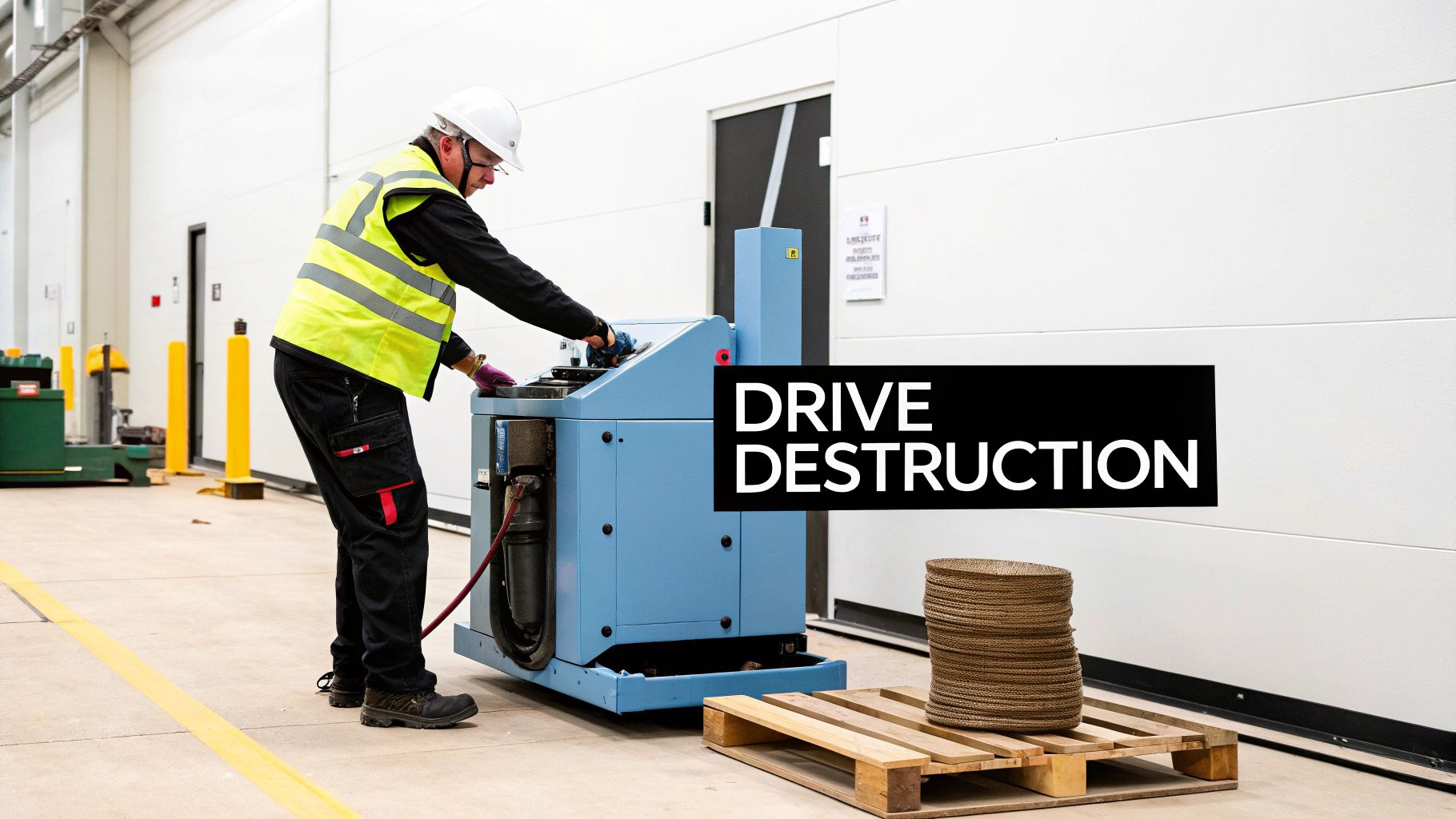
- Shredding: The most common and effective method. Industrial shredders use powerful steel teeth to grind hard drives into small, irregular metal fragments. NSA-approved disintegrators can pulverize drives into particles smaller than 2mm, making data recovery physically impossible. A 1TB drive can be shredded in about 30 seconds, compared to the hours—or even days—a multi-pass software overwrite takes.
- Crushing: A hydraulic press exerts thousands of pounds of force, puncturing and deforming the hard drive platters. While effective, it is generally considered less secure than shredding, as larger pieces of the platters might remain.
- Degaussing: Specifically for magnetic media like HDDs and tapes, degaussing uses a powerful magnetic field to neutralize the platters' magnetic charge, completely scrambling the stored data. This process renders the drive permanently inoperable.
By understanding the limitations of software and the guarantees of physical destruction, you can make informed decisions that protect your business from the catastrophic fallout of a data breach. For businesses needing a reliable partner, ACR’s on-site hard drive destruction service offers a secure, compliant, and fully documented solution for your most sensitive IT assets.
Verifying Erasure and Building Your Audit Trail
Erasing a hard drive is only half the job. For any business, the final, critical step is proving the data is gone for good and creating an official record to back it up. This audit trail is not just administrative paperwork—it is your primary defense in a legal challenge and your proof of due diligence during a compliance audit.
Without robust verification and documentation, your erasure process is incomplete and leaves your business exposed. You must be able to demonstrate what was done, when it was done, and how it was done, creating a clear chain of custody from the moment a drive is decommissioned to its final disposition.
From Wipe to Proof: The Importance of Verification
How can you be certain your erasure method worked? Simply trusting a software log that says "complete" is insufficient when dealing with high-stakes corporate data. A robust policy must include spot-checking sanitized drives to confirm that zero data is recoverable.
A best practice for IT teams is to use forensic recovery tools on a small percentage of wiped drives. The objective is to attempt data recovery. If the tools find only random data or a sea of zeros, you can have high confidence in your process. This verification step adds a vital layer of assurance.
However, for assets governed by regulations like HIPAA or drives that held sensitive PII, internal checks are not enough. This is where professional services become indispensable, transforming a simple wipe into a certified, auditable event.
The Anatomy of a Rock-Solid Certificate of Destruction
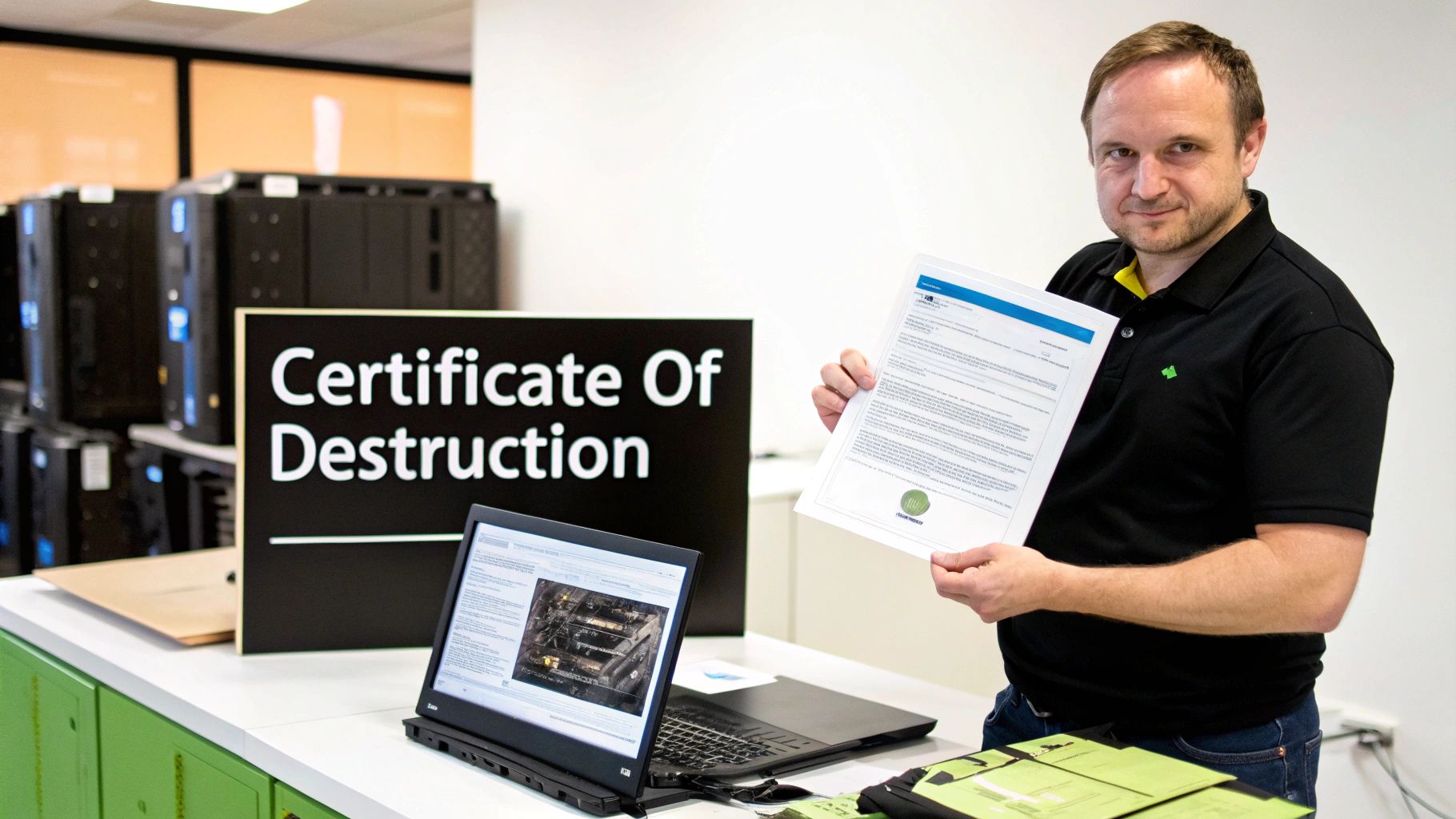
When you work with a professional data destruction service, the key deliverable is a Certificate of Destruction. This legally binding document is the cornerstone of your audit trail. It officially transfers liability from your organization and serves as irrefutable proof of compliant data sanitization.
A proper certificate is detailed and specific. It is not a generic form but a precise record of each asset's end-of-life journey.
A vague or incomplete certificate is a major red flag. For compliance purposes, this document must be able to stand on its own as a complete record of destruction, leaving no room for ambiguity.
Here are the essential elements your business should demand on any Certificate of Destruction:
- Unique Serial Numbers: Every single hard drive or data-bearing device must be individually listed by its unique serial number.
- Method of Destruction: The document must state the exact method used (e.g., DoD 5220.22-M 3-pass overwrite, physical shredding to 2mm particles, degaussing).
- Chain of Custody: The names and signatures of the technicians who handled and destroyed the assets are crucial for accountability.
- Dates and Timestamps: The certificate must clearly state the date the service was completed.
- Transfer of Custody Statement: A formal declaration that your organization transferred the assets to the service provider for the explicit purpose of destruction.
This document elevates the process from a technical IT task to a fully compliant, documented business function. To see what this vital paperwork entails, you can learn more about the specifics of a professional certificate of destruction for hard drives and why it's a non-negotiable part of secure IT asset disposition.
Your Data Sanitization Policy Checklist
A strong data sanitization policy is the bedrock of any secure IT asset disposition (ITAD) program. This checklist provides a roadmap for building a process that is secure, compliant, and defensible, shielding your business from data breaches and regulatory penalties.
We’ve broken down the essential decision points for creating an airtight program that prevents devices from falling through the cracks.
Data Sanitization Policy Checklist
Before wiping a single drive, a clear, documented plan is essential. This table outlines the critical steps for creating your policy.
| Phase | Action Item | Status (To Do / In Progress / Complete) |
|---|---|---|
| 1. Framework | Inventory All Data-Bearing Assets: Maintain a live log of all devices with storage—servers, PCs, laptops, network gear. Document serial numbers and locations. | |
| 1. Framework | Classify Data by Sensitivity: Categorize data as public, internal, confidential, or restricted. This will dictate the required wipe method. | |
| 1. Framework | Define Erasure Standards: State which wipe methods are approved for each data classification and device type (e.g., DoD 5220.22-M, ATA Secure Erase, physical destruction). | |
| 2. Execution | Perform Sanitization: Execute the erasure according to your documented policy standards for that specific asset. | |
| 3. Verification | Verify the Results: Use software tools to spot-check a sample of wiped drives, confirming zero data is recoverable. Never skip this step. | |
| 3. Verification | Document Everything: Create a Certificate of Sanitization or Destruction for every single asset. It must include the serial number, method used, date, and technician's signature. |
This checklist serves as a foundation. Adapt the specifics to fit your organization's unique hardware lifecycle and compliance needs.
Building Your Policy Framework
First, establish the rules and scope for your entire sanitization strategy.
- Inventory All Data-Bearing Assets: You cannot protect what you do not track. Maintain a live inventory of every device with storage, logging serial numbers, asset tags, and their last known location.
- Classify Data by Sensitivity: Not all data carries the same risk. Categorize information as public, internal, confidential, or restricted. This classification level directly determines the required sanitization method.
- Define Erasure Standards: Be specific. Your policy must clearly state which erasure methods are approved for each data class and device type. For example, mandate a DoD 5220.22-M 3-pass wipe for HDDs with confidential data, ATA Secure Erase for SSDs, and mandatory physical destruction for assets holding trade secrets or regulated data.
Execution and Verification
With a solid policy, your focus shifts to consistent execution and creating an unshakeable audit trail.
The single most overlooked step is verification. An erasure without proof is an assumption, and assumptions lead to data breaches. You must prove the data is gone for good.
Here are the final action items that make your policy effective:
- Execute the Erasure: Technicians must perform the sanitization exactly as defined in your policy, with no shortcuts.
- Verify the Results: Use software tools to spot-check a sample of wiped drives to confirm that no data is recoverable.
- Document Everything: Create a Certificate of Sanitization or Destruction for every asset. This is your proof of due diligence. This log must include the device serial number, the exact method used, the date, and the technician's signature.
To ensure your data management practices align with global standards, cross-reference your policy with a comprehensive GDPR compliance checklist.
Frequently Asked Questions About Erasing Hard Drives
Even with a strong IT policy, critical questions arise during asset disposition. Misunderstandings about common terms can quickly become major security gaps. Here are clear, concise answers to the questions we hear most often from business leaders and IT managers.
We'll cut through the jargon to provide the clarity your business needs to handle asset disposition correctly every time.
Does A Factory Reset Completely Erase My Hard Drive?
Absolutely not. A factory reset is not a secure data sanitization method for business computers. This function simply reformats the drive and reinstalls the operating system, leaving the original data sectors untouched and easily recoverable with basic software.
It is equivalent to removing the table of contents from a book but leaving all the pages intact. For genuine data security, you must use a dedicated erasure method that overwrites the data, such as a multi-pass wipe for an HDD or a cryptographic erase for an SSD.
What Is The Difference Between DoD 5220.22-M And NIST 800-88?
This is a critical distinction. The DoD 5220.22-M standard is an older, prescriptive method dictating a specific 3-pass overwriting pattern. It was the gold standard for legacy magnetic hard drives.
In contrast, NIST 800-88 is the modern, risk-based framework. It guides organizations to choose the appropriate sanitization method—Clear, Purge, or Destroy—based on the media type and data sensitivity. NIST is the current industry benchmark because it is technology-neutral, providing clear guidance for modern hardware like SSDs, where the DoD overwrite method is ineffective.
To put it simply: the DoD standard tells you exactly how to wipe, while the NIST framework helps you decide which level of wiping is appropriate for the business risk at hand.
Is It Safe To Physically Destroy A Hard Drive Myself?
Attempting to destroy a corporate hard drive with a hammer or drill is a high-risk, low-reward activity. This approach creates a false sense of security, as it rarely destroys the magnetic platters or flash memory chips completely. It leaves behind data fragments that a determined adversary could recover with lab equipment.
Professional services use industrial shredders that pulverize drives into irrecoverable particles. More importantly, they provide a Certificate of Destruction. This document is your essential proof for compliance audits, demonstrating a secure, documented, and defensible process. DIY destruction provides no audit trail, leaving your business liable.
When your business requires guaranteed, compliant, and fully documented data destruction, software-based methods can only take you so far. Atlanta Computer Recycling provides professional, on-site hard drive shredding and IT asset disposition services to ensure your sensitive data is eliminated permanently. Protect your business and maintain compliance by visiting us online.