10 Resources for a Free Computer Near Me in Atlanta

A common Atlanta scenario looks like this. An IT team finishes a laptop refresh on Friday, pallets of retired devices are sitting in a staging room, and someone asks whether those machines should be recycled, resold, or donated. The right answer depends on data destruction, chain of custody, asset records, and whether the equipment still has practical value for someone who needs a computer now.
That is the business side of the "free computer near me" search. For an individual, it usually means immediate need for schoolwork, job applications, telehealth, or account access. For a company, it should trigger a more disciplined question: which local organizations can receive usable equipment after wiping, documentation, and pickup are handled correctly?
Atlanta businesses are in a good position to close that gap if they treat donation as part of IT asset disposition instead of an informal favor. A documented reuse program reduces avoidable risk, supports CSR goals, and keeps working hardware in circulation longer. Teams sorting through what to do with outdated computers should weigh more than convenience. They should look at device condition, licensing limits, transport security, and whether the recipient can place the equipment with people who need it.
The resources below are useful from both sides. They help Atlanta residents find free computer access or low-cost refurbished devices, and they give business leaders a clearer view of where retired equipment may fit after a proper ITAD process is complete.
If you manage IT, operations, facilities, procurement, or compliance, that distinction matters. Community impact is real, but so are audit trails, privacy obligations, and environmental requirements.
1. Atlanta–Fulton County Library System AFPLS
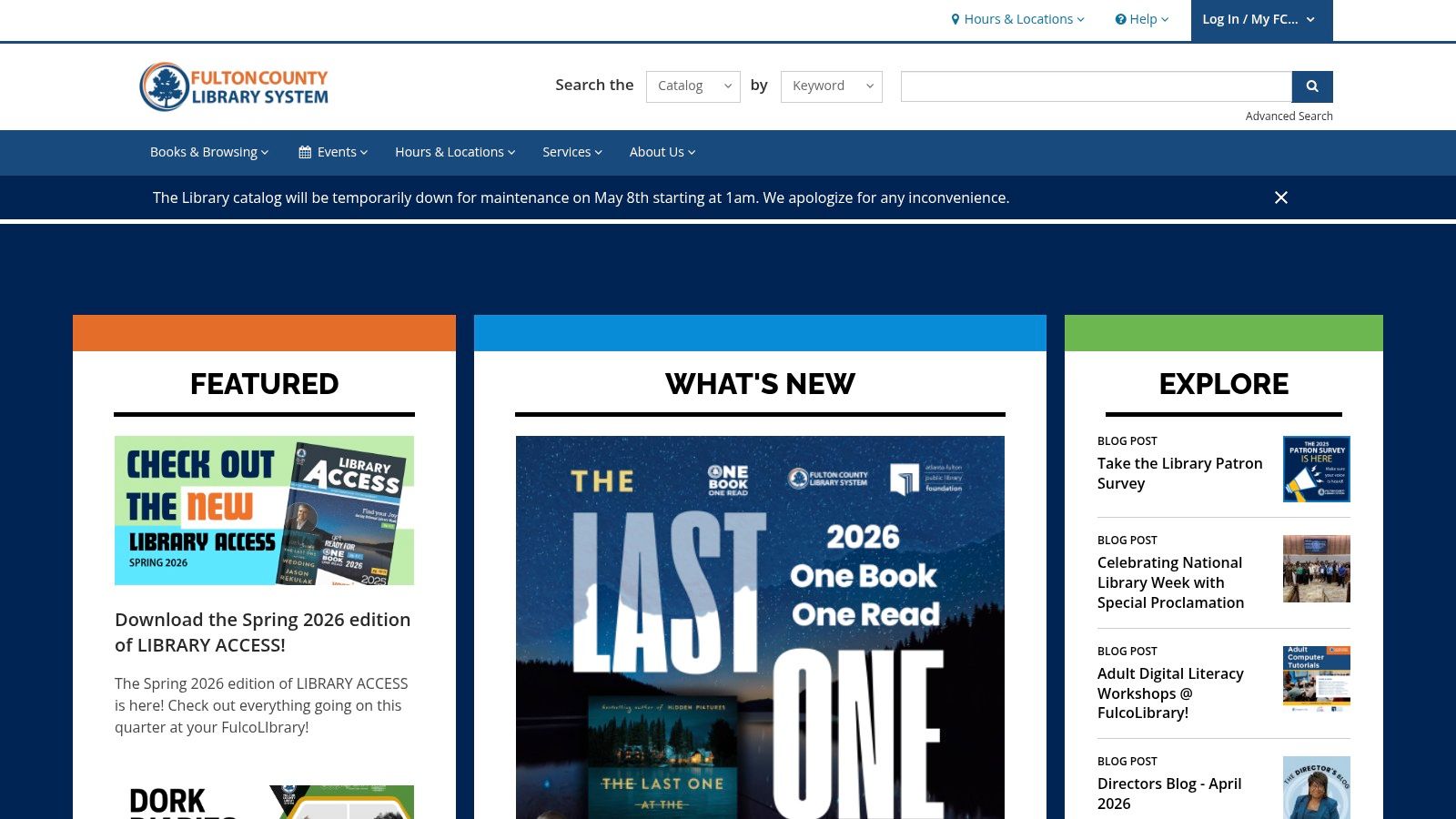
The fastest answer to "free computer near me" in central Atlanta is often the Atlanta–Fulton County Library System. For users who need immediate access instead of ownership, library workstations solve the problem the same day. That's useful for job applications, document editing, account recovery, and basic schoolwork.
Central Library is the obvious first stop because downtown access matters. Branch coverage matters just as much, especially when someone can't travel far or doesn't need a full nonprofit application process just to get online.
Best use case
AFPLS works best when the need is urgent and temporary. If someone needs to print a resume, fill out a housing form, check a benefits portal, or scan documents, the library is usually more realistic than waiting for a refurbished device program to open applications.
From the business side, libraries are also a reminder that not every retired machine should go straight to destruction. If a fleet still has productive life left, a documented reuse path is often better than default disposal. Teams planning that handoff should also review guidance on what to do with outdated computers before release.
- Strength: Public access is straightforward, which lowers friction for users in a hurry.
- Trade-off: Session limits and branch demand can make libraries poor substitutes for full-time home device access.
- Good fit for donors: Businesses that want to support digital access indirectly through device donations, sponsorships, or coordinated community partnerships.
Libraries are best for access now. Refurbishment programs are better for access at home.
2. DeKalb County Public Library
For DeKalb residents, DeKalb County Public Library is one of the most dependable no-cost access points. Public PCs, internet access, and branch-level support make it practical for routine digital tasks without forcing people into a purchase decision.
This option is especially useful for people who need structure as much as hardware. A staffed branch environment helps when the actual barrier isn't just device access, but also navigation of forms, logins, and productivity software.
What works well
DeKalb's advantage is geographic spread. People don't have to depend on a single downtown location, which reduces transportation friction. That's a big operational difference between library systems and some nonprofit distribution models.
A branch library also works better than a giveaway program when someone needs repeated, predictable access over time. Students can return. Job seekers can revise applications. Adults learning basic digital skills can use the same environment more than once.
- Strong point: Good local coverage for residents who need practical access close to home.
- Limitation: Session rules and busy periods can affect availability.
- Business takeaway: Community demand isn't abstract. If your company retires usable laptops, there are nearby public institutions already serving the people who need them.
3. Gwinnett County Public Library
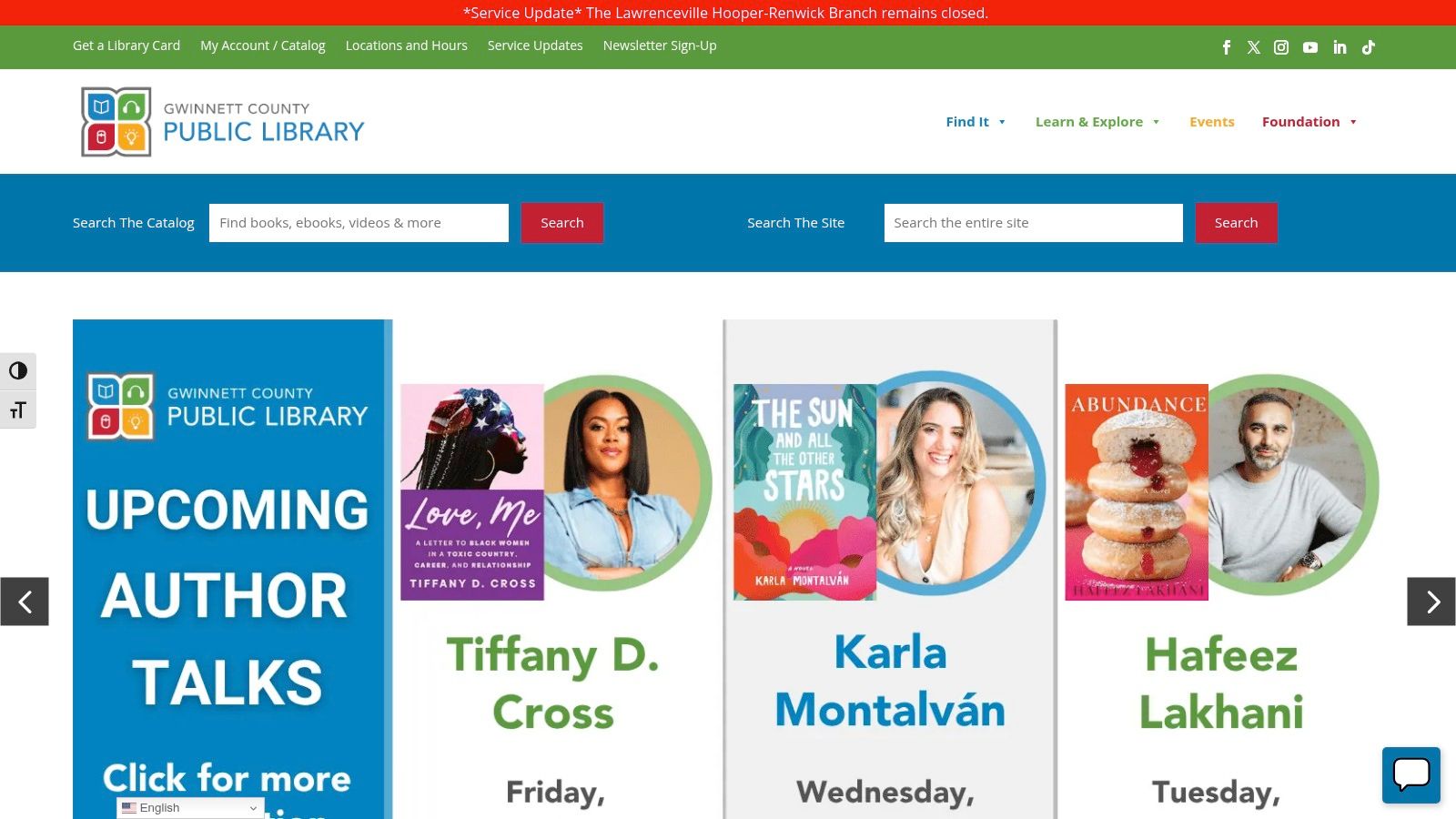
Gwinnett County Public Library is a strong option for the northeast side of metro Atlanta. If someone needs a free computer near me result that isn't tied to eligibility paperwork, branch computers are often the cleanest answer.
What stands out here is consistency. When a library system standardizes software access and workstation availability across branches, users spend less time guessing which location can help.
Practical trade-offs
Libraries are reliable, but they aren't ownership programs. That's the key distinction. If someone needs daily use for remote learning, long-form coursework, or home-based work, public computers fill the gap only partially.
For businesses, this is why donation strategy matters. Public access solves one layer of the problem. Refurbished take-home devices solve another. Both matter, but they shouldn't be treated as interchangeable.
A library session can help someone complete today's task. A donated laptop can change whether they need that trip tomorrow.
4. Cobb County Public Library
Cobb County Public Library is one of the better fits for northwest metro residents who need branch-based access plus a little more flexibility around digital support. Public computers and in-library internet access handle the basics well, and the system's programming focus adds value for people who need help using the tools, not just sitting in front of them.
That distinction matters. A lot of digital exclusion looks like a hardware issue at first, but the actual bottleneck is confidence with forms, file uploads, printing, and account setup.
Where it fits in a business donation strategy
If your company is evaluating whether old laptops should be recycled, wiped and redeployed, or donated through a partner, Cobb's model illustrates why quality matters. Refurbished devices only help if they're still usable for modern tasks. Verified guidance on redistribution notes that nonprofit-bound refurbished equipment should meet baseline expectations such as 8GB RAM, solid-state drives, and Linux-compatible processors, according to Reworx Recycling's free computer program guide.
That's the practical rule I use. Don't donate machines that create a bad user experience on day one.
- Best for: Residents who need branch access plus digital-skills support.
- Watch for: Device-borrowing availability can vary.
- Donor lesson: Donation quality affects whether a reused machine expands access or just shifts frustration to the recipient.
5. Goodwill of North Georgia Career Centers
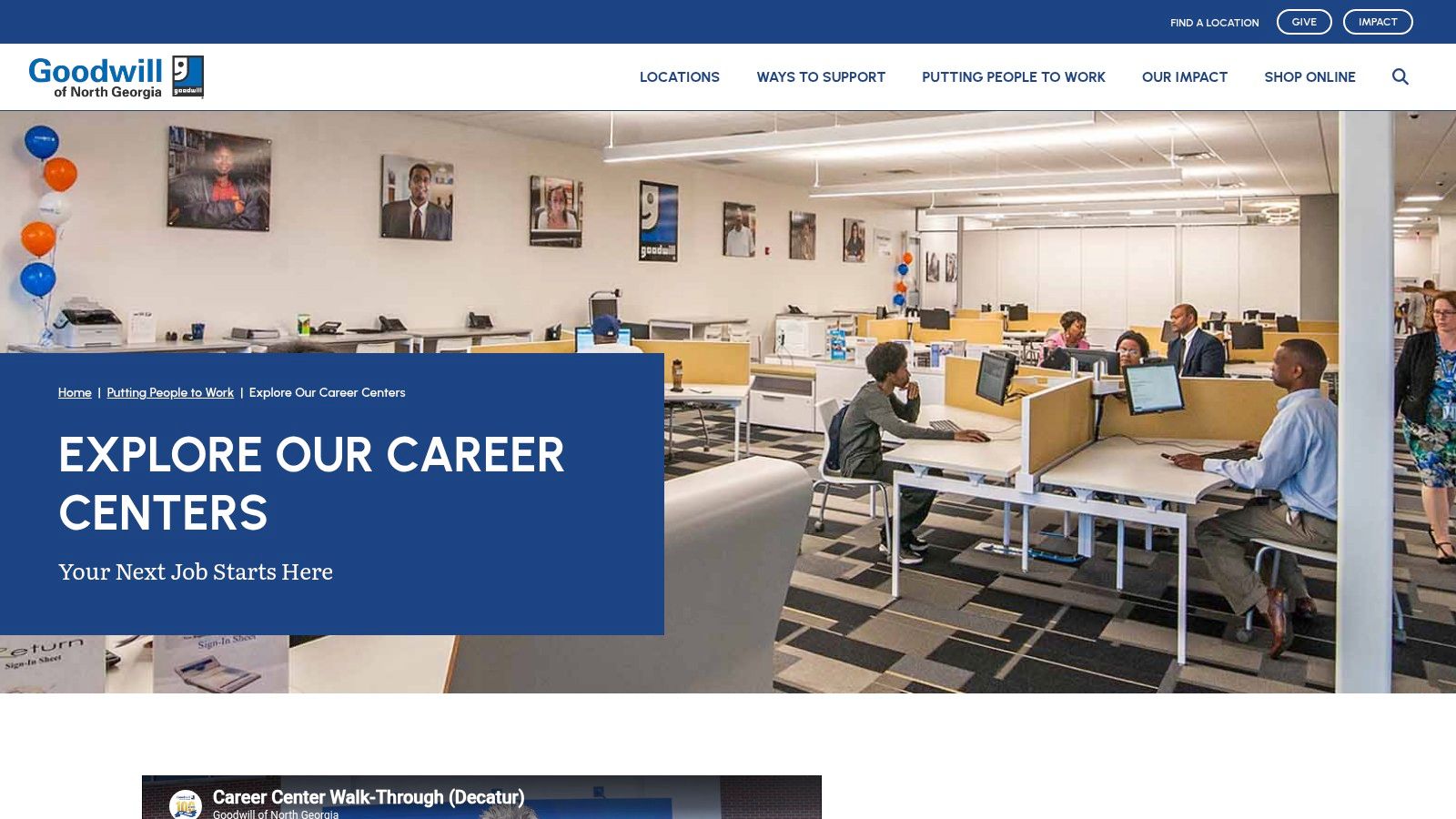
When the need is employment-focused, Goodwill of North Georgia Career Centers are usually a better recommendation than a general library branch. The environment is built around resume work, applications, and job-search support rather than broad public use.
That narrower focus is a strength. People who need a computer specifically for employment tasks often benefit from staff support that understands hiring workflows, not just workstation access.
Why businesses should care
Corporate donation offers a visible local return. Refurbished desktops and laptops don't just support general access. They support reentry into the workforce, credentialing, and online hiring systems that now dominate recruiting.
Businesses replacing workstations should also think carefully about end-of-life equipment that isn't suitable for reuse. In those cases, secure downstream handling matters more than informal giving. A clear policy for where to recycle electronics keeps unusable assets out of closets, dumpsters, and ad hoc disposal streams.
- Best for: Job seekers who need focused support.
- Not ideal for: Someone looking for broad personal computing time unrelated to work.
- Operational lesson: Match donation pathways to community use cases. Employment centers need stable, task-ready hardware.
6. WorkSource Atlanta Career Resource Center
WorkSource Atlanta is the city-aligned option for people navigating workforce systems, training pathways, and employer-facing portals. For downtown and south-side residents, its resource computers are most useful when the task isn't casual browsing but actual labor-market participation.
That's an important distinction for employers, too. A lot of community access now runs through application systems that aren't phone-friendly and aren't intuitive for first-time users. Centers like this give applicants a place to work through that process with help nearby.
Where it adds value
WorkSource is stronger than a general public computer lab when someone also needs classes, workshop support, or navigation help with local employment systems. If your business runs community impact programs tied to hiring, this kind of center is a more targeted partner than a broad digital-equity charity.
A key trade-off is scope. These resources tend to prioritize employment activity, so they aren't a substitute for home device ownership. They're part of the support chain, not the entire answer.
If your CSR team wants measurable local impact, workforce-oriented access points usually create clearer outcomes than one-off device giveaways with no follow-through.
7. Georgia Department of Labor Atlanta Career Center
The Georgia Department of Labor Atlanta Career Center is another practical answer for people who need work-related computer access, unemployment support, and state labor tools in one place. It isn't flashy, but that's not the point. It connects users to official systems and staff who deal with those systems every day.
For Atlanta businesses, that matters because digital access often breaks down at the exact moment someone has to interact with state infrastructure. A free public computer is helpful. A public computer connected to labor resources is better.
Best use case
Recommend this center when someone needs to file, search, build a resume, or connect to state-managed employment resources. It's less about general-purpose computing and more about task completion in a governed process.
This kind of center also reinforces a broader ITAD lesson. Not every device should be sent to a giveaway program. Machines with weak performance, battery failure, or unsupported configurations may be poor candidates for redistribution. Strong ITAD triage separates reusable equipment from hardware that should move directly into responsible recycling.
8. PCs for People Atlanta Store Westside
PCs for People stands out because it gives Atlanta residents a practical path to owning a computer, not just borrowing one for an hour at a public access point. The Westside location is especially relevant for businesses that are upgrading fleets and want a credible outlet for reusable equipment with a clear community benefit.
For an Atlanta company, that changes the meaning of a search like "free computer near me." It is not only a consumer question. It is also a CSR and ITAD question. Usable laptops and desktops coming out of an office refresh can become working devices for local households, provided the donor handles data destruction, asset tracking, and disposition controls correctly.
PCs for People fits best when the goal is redistribution at scale. That makes it different from a one-off informal giveaway, which often creates avoidable risk around drive wiping, software licensing, and equipment condition. Companies that want community impact without losing control of the process should pair donation planning with an eco-friendly computer recycling program for non-redistributable equipment. Reuse should be intentional. Recycling should be documented.
Best use case
Recommend PCs for People when someone needs a take-home device and can work through the organization's eligibility process. For corporate donors, it is a strong fit for batches of business-grade laptops or desktops that still have useful service life and can justify refurbishment.
- Strong point: Better suited to long-term personal device access than shared public computer stations.
- Trade-off: Application and eligibility steps can slow immediate access.
- Best donor fit: Atlanta businesses retiring multiple usable systems that have already passed internal ITAD review.
9. Human‑I‑T
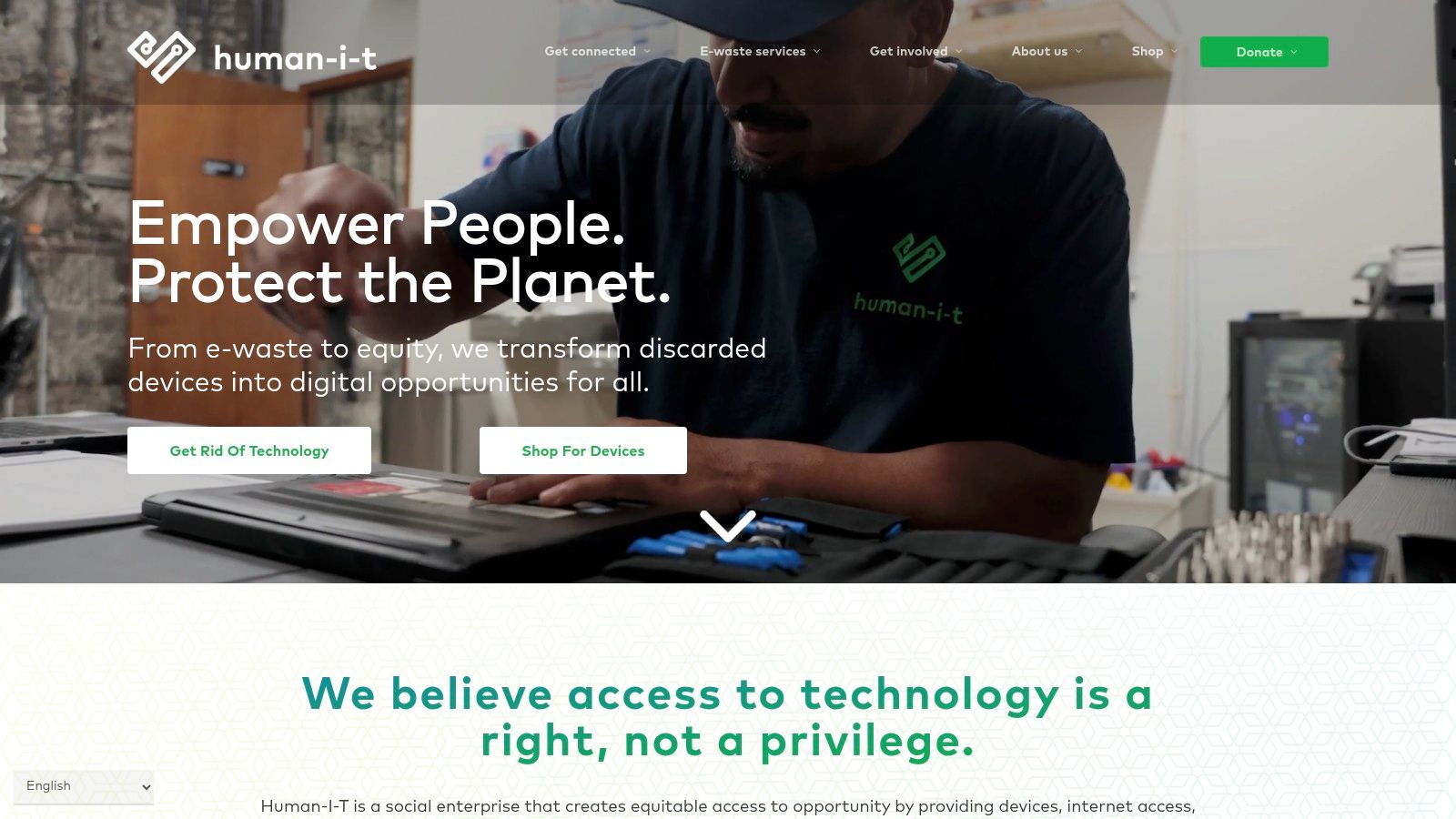
An Atlanta company finishes a laptop refresh, and the retired units are still usable. The immediate question is not just where they can go. The better question is which channel can turn those assets into working devices for people who also need setup help, internet access, and basic tech support. Human‑I‑T stands out for that broader service model.
That difference matters in practice. A device that reaches a recipient without onboarding, troubleshooting help, or connectivity options often ends up unused. Human‑I‑T pairs refurbished hardware with low-cost internet and digital support, which makes it a stronger fit for households that need more than a simple hardware handoff.
For Atlanta businesses, the lesson is clear. Community impact improves when donation planning includes usability, not just pickup and removal. If your team is retiring laptops that still have service life left, a structured laptop donation program for Atlanta businesses helps separate equipment that can be remarketed or donated from equipment that should go straight to recycling. That protects data, keeps asset records clean, and reduces the risk of informal giveaways that create licensing or security problems later.
Best use case
Human‑I‑T is a practical option for recipients who need a take-home computer and follow-up support after delivery.
- Best for: Users who need a personal device, connectivity options, and post-distribution help.
- Trade-off: Devices are often low-cost or subsidized rather than fully free, so it is less immediate for someone searching only for a no-cost pickup.
- Business takeaway: Reuse works better when the downstream partner can refurbish, place, and support the device responsibly.
10. Compudopt Atlanta College Student Laptop Program
A common Atlanta IT scenario looks like this. A company finishes a laptop refresh, the old fleet still has usable life, and leadership wants a local donation outcome that is visible, controlled, and defensible from a security standpoint. For college students who do not have a reliable computer at home, Compudopt is one of the more relevant programs to consider because it matches a defined recipient group with a clear device need.
That focus matters.
Programs built for a narrow audience usually handle placement more efficiently than broad public-interest giveaways. College students need dependable hardware for coursework, job applications, and remote access to campus systems. From an ITAD perspective, that makes device selection easier too. Business-grade laptops with current operating system support, working batteries, and basic webcam capability are more likely to fit this channel than mixed consumer equipment pulled from storage.
This also fits the CSR side of the "free computer near me" search better than many Atlanta businesses realize. The search often starts with an individual looking for help, but for local companies, it should also trigger a practical question: which retired assets can be donated securely, and which should be recycled because they no longer meet performance, security, or licensing standards? A structured laptop donation program for Atlanta businesses helps answer that before equipment leaves company control.
Why this program stands out
Compudopt is strongest when a business wants local educational impact instead of a general public drop-off model. That narrower use case creates trade-offs. Eligibility is tighter, and not every retired device will qualify for reuse. But the upside is better alignment between the equipment donated and the recipient's actual needs, which usually leads to higher use after distribution.
Practical rule: If your company wants a clear Atlanta community-benefit story, student-focused laptop donations are often easier to document, approve, and support than informal public giveaways.
10 Atlanta Free-Computer Resources Comparison
| Service | Core features ✨ | User experience ★ | Value & Price 💰 | Target audience 👥 | Unique strength 🏆 |
|---|---|---|---|---|---|
| Atlanta–Fulton County Library System (AFPLS) | Public PCs (90+ at Central), internet, printing, classes ✨ | ★★★★☆ Reliable access; busy peak times | 💰 Free access; printing fees | 👥 General public, job seekers, students | 🏆 Large central lab + transit access |
| DeKalb County Public Library | Branch PCs, Wi‑Fi, scanning, digital literacy ✨ | ★★★★☆ Convenient branch coverage | 💰 Free access; printing fees | 👥 DeKalb residents, learners | 🏆 Wide branch network for convenience |
| Gwinnett County Public Library | PCs at all branches, OnlyOffice, reservations ✨ | ★★★★☆ Consistent availability | 💰 Free access; printing fees | 👥 NE Atlanta residents, students | 🏆 Office‑compatible tools across system |
| Cobb County Public Library | In‑branch PCs, wireless printing, device loans ✨ | ★★★★☆ Accessibility focus; program-driven | 💰 Free access; device loans vary | 👥 NW Atlanta residents, learners | 🏆 Device‑loan programs (hotspots/Chromebooks) |
| Goodwill of North Georgia – Career Centers | Job‑focused labs, resume help, workshops ✨ | ★★★★☆ Supportive staff; consistent hours | 💰 Free access; printing varies | 👥 Job seekers, workforce clients | 🏆 Employment coaching + hands‑on help |
| WorkSource Atlanta – Career Resource Center | Resource computers, classes, mobile outreach ✨ | ★★★★☆ Strong employer/training links | 💰 Free access; some eligibility for programs | 👥 Downtown/southside job seekers | 🏆 Mobile 'Career Coach' outreach |
| Georgia Dept. of Labor – Atlanta Career Center | State job tools, workshops, referrals ✨ | ★★★★☆ Direct access to state resources | 💰 Free access; service‑priority for work tasks | 👥 Unemployed/job seekers | 🏆 Direct link to statewide labor services |
| PCs for People – Atlanta Store (Westside) | Refurbished devices, income‑verified discounts ✨ | ★★★★☆ Low‑cost purchase with storefront support | 💰 Very low prices (desktops ~$30, laptops ~$50 for eligible) | 👥 Low‑income individuals (eligibility required) | 🏆 Deeply discounted devices + local pickup |
| Human‑I‑T | Refurbished laptops w/ warranty, low‑cost internet ✨ | ★★★★☆ Warranty & support; eligibility rules | 💰 Discounted devices; free case‑by‑case aid | 👥 Income‑qualified households | 🏆 1‑year warranty + national reach |
| Compudopt – Atlanta College Student Laptop Program | Free laptops for eligible college students ✨ | ★★★★★ Selection events; limited windows | 💰 Truly free when selected | 👥 Eligible college students w/o device | 🏆 100% free device for qualified students |
Create Your IT Disposition & Community Impact Plan
An Atlanta company finishes a laptop refresh on Friday. By Monday, IT has pallets in a storage room, Finance wants the assets cleared, Legal wants documentation, and leadership wants to know whether any of that equipment can support the community instead of heading straight to scrap. That is the actual business version of a "free computer near me" search.
For companies, the question is not whether old equipment exists. The question is how to sort it safely and put each asset on the right path. Some devices are good candidates for reuse. Some need parts harvesting or certified recycling. Some contain data that requires destruction before anyone touches redistribution.
A workable IT disposition plan starts before pickup. Review the inventory. Separate reusable laptops and desktops from obsolete or damaged hardware. Set the sanitization standard, confirm who documents serial numbers and asset tags, and define chain of custody from your site to final disposition. Hospitals, schools, government offices, law firms, and larger employers need that process documented because patient data, student records, HR files, and internal business information still create risk after a device leaves a desk.
Data handling comes first. If your organization cannot verify wiping, shredding where needed, and disposition records, donation should pause until those controls are in place. Atlanta businesses subject to privacy, contractual, or public sector requirements need a process they can defend in an audit, not a well-meaning handoff with missing paperwork.
Environmental results matter too. Reuse should be the first option for viable equipment. Recycling should be the fallback for assets that fail testing, cannot be upgraded, or no longer meet business use standards. That approach keeps more equipment in service and keeps unusable electronics out of landfills through responsible downstream processing.
The strongest programs do both. They direct working equipment toward legitimate community use and send nonviable material into proper recycling streams.
That matters in Atlanta because the need is already visible. Libraries, career centers, discount refurbishers, and student-focused programs help residents get online, apply for jobs, complete coursework, and replace failed home devices. Those groups do the front-line community work. Businesses control much of the supply.
A partner such as Atlanta Computer Recycling helps close that gap for commercial organizations. ACR handles business pickups, de-installation, logistics, data destruction, documentation, and downstream processing. That gives IT teams a clear operating process and gives CSR, facilities, and leadership teams a credible community-impact story tied to actual asset handling.
If you are planning an office move, school lab replacement, hospital upgrade, or multi-site hardware refresh, build one policy that covers both risk and reuse. Define what can be donated after sanitization, what must be recycled, what documentation is required, and which local community channels can receive suitable equipment. Done well, ITAD is not just asset removal. It is a controlled way to reduce risk, support digital access in Atlanta, and meet environmental goals without losing sight of compliance.