Recycling Old Hard Drives: A Guide to Secure & Compliant Corporate Data Destruction

For any modern business, recycling old hard drives has evolved from a simple IT task into a critical component of corporate risk management. Disposing of decommissioned hard drives requires a professional-grade data destruction strategy—typically physical shredding—to ensure your company's sensitive information is permanently unrecoverable, followed by certified, environmentally responsible recycling of the resulting materials. This isn't just about clearing out a storage closet; it's a mission-critical security function.
The High Stakes of Improper Hard Drive Disposal for Your Business
Years ago, decommissioning old IT gear was a simple checkbox on a facility manager's to-do list. Not anymore. Today, every single hard drive pulled from your servers, workstations, or company laptops is a ticking time bomb of financial and reputational risk. Letting them pile up in a back room is just asking for a data breach, and tossing them out with the regular e-waste is a full-blown invitation for disaster.
One wrong move here can have catastrophic results. A single drive falling into the wrong hands could expose:
- Customer lists and personally identifiable information (PII).
- Your company's financial data, trade secrets, and intellectual property.
- Employee records and sensitive internal communications.
The damage from a breach like this isn't just a hypothetical problem. It leads to very real consequences, including steep regulatory fines under laws like HIPAA or GDPR, expensive lawsuits, and irreversible harm to your brand's credibility. To really get a handle on the risks, it's crucial to see how secure hard drive recycling fits into your overall plan to implement effective cybersecurity risk management strategies.
Beyond Security: A Growing Market and Environmental Duty
The absolute need for professional disposal has kicked off a rapidly expanding industry. The global market for hard drive destruction services was valued at around USD 1.65 billion and is expected to explode to USD 5.05 billion by 2035. That growth is a crystal-clear sign of how vital this service has become for businesses everywhere.
This boom is driven by two key things: data security and environmental responsibility. Just wiping the data isn't enough; you have to handle the physical hardware correctly, too.
Partnering with a certified vendor ensures that after your data is verifiably destroyed, the remaining materials—like aluminum, steel, and plastics—are recycled responsibly. This keeps hazardous materials out of landfills and helps build a circular economy.
At the end of the day, secure IT asset disposition (ITAD) is a non-negotiable part of doing business in the modern world. It protects your company from massive liability while also fulfilling an important environmental duty. You can learn more about the environmental impact of electronic waste and see why proper recycling is so critical.
This guide will walk you through a clear, practical playbook for managing this entire process from start to finish.
Choosing Your Data Destruction Method
Once you’ve inventoried your assets and know what needs to go, it's time for the most important decision: how to destroy the data. This isn't a one-size-fits-all situation. The right call depends on the drive type (is it a spinning HDD or a solid-state SSD?), how sensitive the data is, and what compliance rules your organization lives by.
Getting this part right is the difference between true data security and just hoping for the best.
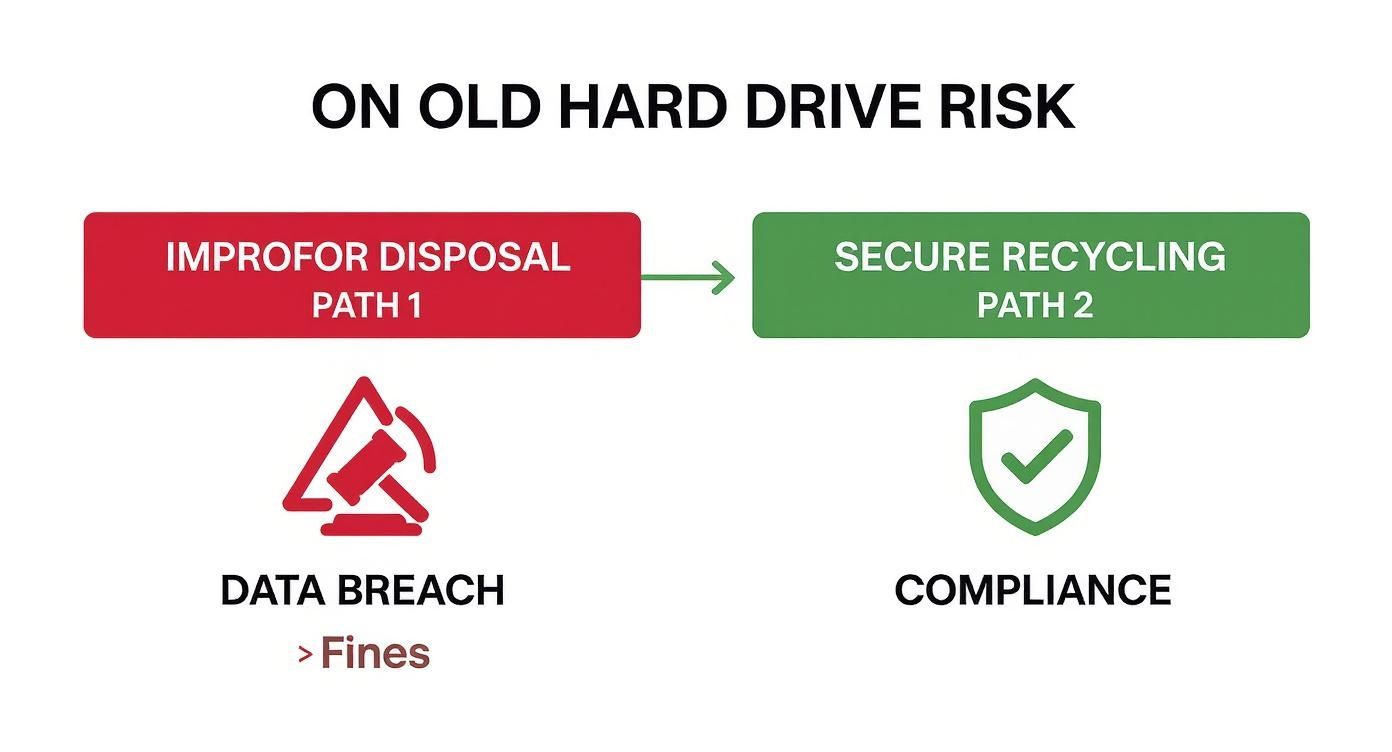
The path is clear. Improper disposal is a direct line to data breaches and hefty fines, while a secure, professional process keeps you compliant and protected. Let's dig into the three core methods so you can choose wisely.
Software-Based Wiping for Reuse
Software-based data wiping, often called data sanitization, is a process where a specialized program overwrites every bit of a hard drive with random data. This isn't just a simple delete. The process is repeated in multiple "passes"—like the DoD 5220.22-M 3-pass standard—to make sure the original information is impossible to recover with any software tool.
This is the go-to method when you want to give the hardware a second life. Think about a company refreshing hundreds of employee laptops. A certified wipe allows those machines to be safely donated to a local school or resold, which is both cost-effective and good for the environment.
But wiping isn't foolproof. It can be incredibly time-consuming, especially with a large batch of drives. It also only works if the drive is fully functional. Most importantly, for businesses handling highly sensitive data, a software wipe might not satisfy the strictest compliance mandates that demand absolute, physical proof of destruction. If you're considering this path, it's worth taking a deeper look into how to delete hard drive data to see if it meets your risk profile.
Degaussing for Magnetic Media
Degaussing is a bit like a magic trick for traditional magnetic hard drives (HDDs) and old-school tapes. A degausser blasts the drive with an incredibly powerful magnetic field, instantly scrambling the magnetic signature on the drive's platters and making the data disappear forever.
It's extremely fast and effective for the right kind of media. A government agency clearing out a server room filled with old HDDs would find degaussing perfect for quickly sanitizing terabytes of classified data before the hardware is physically recycled.
The catch? A degaussed drive is just a paperweight. It's rendered completely useless, so there's no chance for reuse or resale. Even more critical, degaussing does absolutely nothing to Solid-State Drives (SSDs), which don't use magnetism to store data. As more and more businesses rely on SSDs, this limitation makes degaussing a non-starter for modern IT fleets.
For HDDs, degaussing offers a high level of security by destroying the magnetic data structure. But if your organization uses modern SSDs, you'll need a different approach.
Physical Shredding for Ultimate Security
When there is absolutely no room for error, physical shredding is the final word in data destruction. Industrial-grade machinery grabs the hard drives and grinds them into a pile of tiny, mangled metal fragments. Data recovery isn't just difficult; it's physically impossible.
This is the only acceptable method for organizations where data exposure could be catastrophic. Hospitals getting rid of servers with patient records or banks disposing of drives with financial data rely on shredding to meet tough HIPAA and GLBA compliance rules. The certainty it offers is priceless.
The growing demand for this level of security is clear. The hard disk destruction equipment market was valued at USD 2.69 billion and is on track to hit USD 4.23 billion by 2032. This isn't just about destroying hardware; it's about investing in a failsafe security process.
Shredding delivers the highest level of security and compliance, works on every type of drive (HDDs, SSDs, you name it), and leaves no doubt. For any risk-averse business, it's the gold standard.
Comparing Hard Drive Destruction Methods
To make the choice clearer, here’s a quick breakdown of how these three methods stack up against each other.
| Method | How It Works | Best For | Compliance Level | Allows for Reuse? |
|---|---|---|---|---|
| Data Wiping | Overwrites drive with random data in multiple passes using specialized software. | Extending the life of functional drives for resale, donation, or internal redeployment. | Moderate to High (e.g., DoD 5220.22-M). May not meet strictest standards. | Yes |
| Degaussing | Exposes magnetic media to a powerful magnetic field, destroying the data structure. | Rapid, high-volume destruction of older HDDs and magnetic tapes. | High (e.g., NSA approved). Effective only for magnetic media. | No |
| Shredding | Physically grinds the drive into small metal fragments, making data recovery impossible. | Ultimate security for all drive types (HDD, SSD). Essential for PII, PHI, and classified data. | Highest (e.g., HIPAA, FACTA, NSA). The only method with visible proof. | No |
Ultimately, the right choice balances your security needs, compliance obligations, and asset value. For most enterprises handling sensitive information, shredding provides the peace of mind that other methods simply can't match.
On-Site vs. Off-Site Destruction: Where Should It Happen?
Once you’ve locked in how you’re going to destroy your old drives—especially if you’ve landed on physical shredding for its undeniable finality—the next big question is where. This decision, whether to have it done at your location (on-site) or at a specialized facility (off-site), directly shapes your security protocols, logistics, and budget.
This isn't just about convenience. It’s a strategic choice that defines the chain of custody for your most sensitive data. Let's break down what each approach looks like in the real world so you can build a disposal process that’s both secure and practical.
The Unbroken Chain of Custody with On-Site Shredding
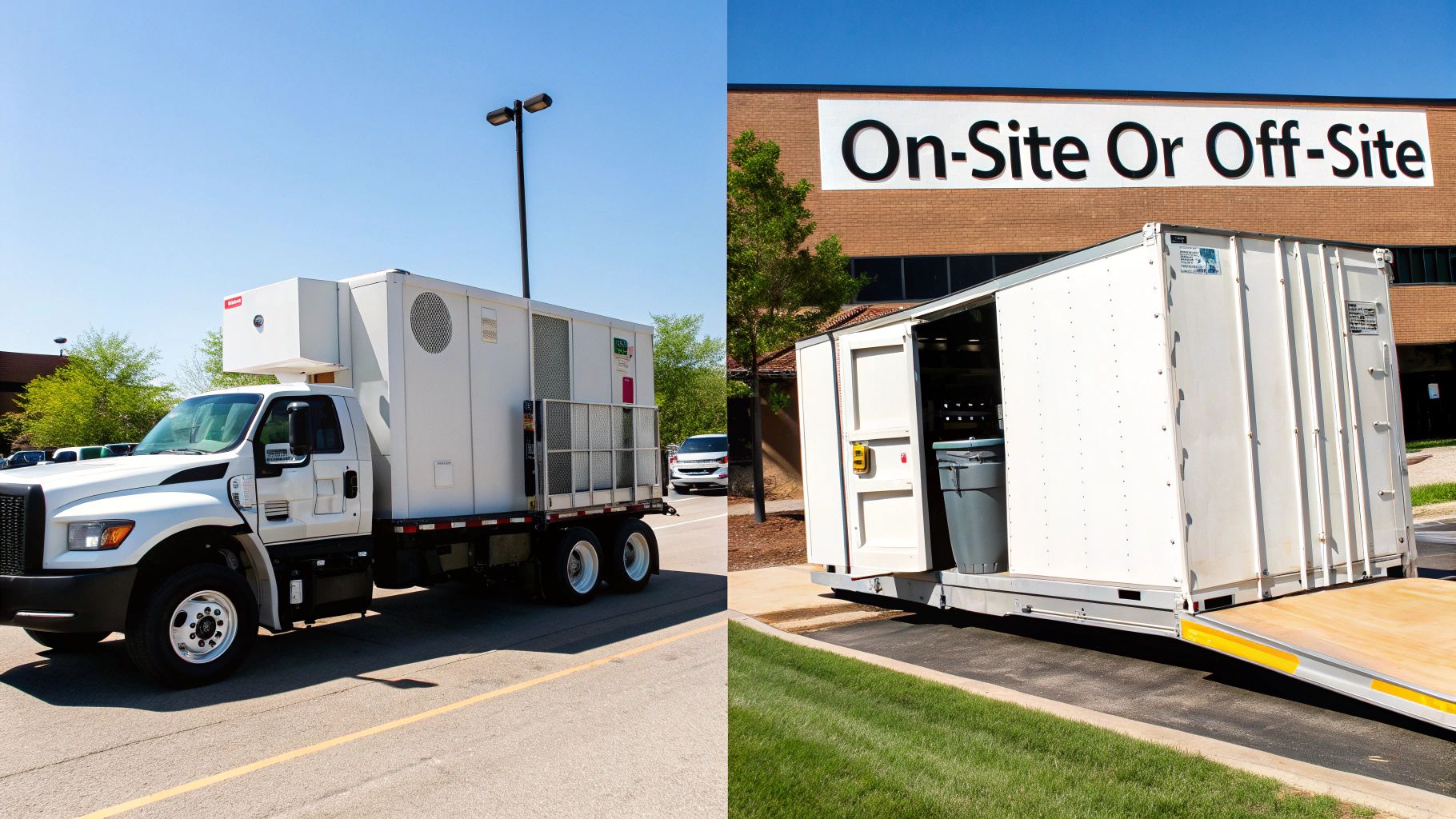
On-site destruction is as straightforward as it sounds: a specialized, mobile shredding truck pulls up to your facility, and your hard drives never leave your sight intact. For businesses where security is paramount, this method offers the ultimate peace of mind because it guarantees a completely transparent and unbroken chain of custody.
Your team can stand there and watch the entire process, from the serial number scan of each individual drive to the moment it’s fed into an industrial-grade shredder. That visual confirmation is gold for organizations with the tightest security mandates.
Think about a hospital system decommissioning a data center. To stay compliant with HIPAA’s strict patient data rules, letting those drives leave the property in one piece is simply not an option—the risk of data exposure during transit is too high. On-site shredding completely removes that risk.
The ability to witness the physical destruction of each asset provides irrefutable proof of compliance. This is often a non-negotiable requirement for legal, healthcare, and government entities.
Sure, on-site services usually cost more because of the logistics involved in bringing heavy machinery to your doorstep. But you're paying for absolute risk mitigation. If your data could lead to severe financial or legal blowback if breached, that extra cost is a smart security investment. If this level of assurance sounds right for you, looking into mobile hard drive shredding is your next move.
The Logistics and Cost-Efficiency of Off-Site Destruction
Off-site destruction flips the script, prioritizing logistical efficiency and cost-effectiveness. This is a go-to for large-scale or geographically scattered projects. In this workflow, your hard drives are securely collected from your location and transported to a high-security facility for destruction.
Now, this is far from a simple pickup. A certified ITAD partner follows a strict, documented protocol to keep your assets secure from the moment they leave your hands.
This always includes safeguards like:
- Sealed and Lockable Containers: Your drives are placed in secure, tamper-evident bins before they even leave the building.
- GPS-Tracked Transport: The vehicle carrying your assets is tracked in real-time, all the way to the destruction facility.
- Secure Facility Protocols: The destination facility must hold key certifications like NAID AAA, which guarantees intense security controls, including 24/7 surveillance and strict access protocols.
Picture a national retail chain with hundreds of stores, each getting rid of a handful of devices. Arranging on-site shredding at every location would be a logistical nightmare. Instead, they can work with a certified vendor for secure, consolidated pickups, bringing all the assets to one central facility. This approach massively simplifies the process and brings down the overall cost.
Making the Right Choice for Your Business
So, which is better? The truth is, neither. The best option is the one that fits your organization’s specific risk profile and operational needs.
To help you decide, here’s a quick head-to-head comparison.
| Factor | On-Site Destruction | Off-Site Destruction |
|---|---|---|
| Security | Highest level; unbroken chain of custody. You watch it happen. | High level, but relies on a trusted vendor’s secure transport and facility. |
| Logistics | Perfect for single-location, high-security projects. | Great for multi-location projects or when facility access is limited. |
| Cost | Generally higher due to mobilizing equipment and staff. | More cost-effective, especially for high-volume or ongoing needs. |
| Best For | Healthcare, finance, government, or any business with extremely sensitive data. | Large enterprises, companies with distributed offices, and cost-conscious organizations. |
Ultimately, your decision comes down to a clear-eyed risk assessment. If a data breach during transit would be catastrophic, on-site is the only way to go. But if you have a trusted, certified partner and need to manage complex logistics efficiently, off-site destruction offers a secure and practical solution for recycling old hard drives.
Mastering Compliance and Documentation
Once you've decided how and where your drives will be destroyed, the focus shifts from physical work to building a rock-solid, legally defensible paper trail. Proper documentation isn't just about checking a box; it's your definitive proof of due diligence in a world where data privacy regulations have serious teeth. This is how you show that every necessary step was taken to protect sensitive information, from the moment a drive left its server to its final, shredded state.
For any business operating under frameworks like HIPAA, GDPR, or GLBA, this documentation is non-negotiable. These regulations don't just suggest data protection—they mandate it. A missing link in your audit trail can lead to staggering penalties. We've seen companies face multi-million dollar fines simply for improper hardware disposal. Your compliance lives and dies by your ability to prove what happened to every single asset.
Decoding the Certificate of Destruction
The cornerstone of your documentation is the Certificate of Destruction (CoD). Think of this as more than just a receipt. It's a formal, legally binding document that officially transfers liability from your shoulders to your ITAD vendor. It certifies that your hard drives were destroyed according to specific standards and regulations.
But here’s the thing: not all CoDs are created equal. A flimsy, generic certificate won’t hold up in an audit. A legitimate CoD needs to be packed with specific details. When you're vetting a partner, comb through their sample CoD for these critical elements:
- Unique Serial Numbers: A vague line like "100 hard drives destroyed" is a major red flag. The document must list the unique serial number of every single drive.
- Method of Destruction: It should clearly spell out how the drives were destroyed—for example, "physical shredding to 9mm particle size."
- Chain of Custody Details: The CoD should reference an unbroken chain of custody, including pickup dates, transfer locations, and the names of the authorized people who handled the assets.
- Date and Location: The specific date and physical address where the destruction happened are mandatory.
- Authorized Signatures: An authorized representative from the destruction company must sign the document.
An incomplete CoD leaves your business exposed. That’s why it’s so important to work with a vendor who understands these granular requirements and provides meticulous, serialized reporting as a standard part of their service. To get a better sense of what a solid document looks like, you can learn more about the crucial components of a Certificate of Destruction for hard drives.
A Certificate of Destruction is more than paperwork. It is your ultimate defense, providing verifiable evidence that your company complied with data protection laws and fulfilled its duty to safeguard sensitive information.
Building a Robust Internal Audit Trail
While the CoD is your key external proof, your own internal records are just as vital. You can't just hand off your drives and rely solely on your vendor's paperwork. A strong internal audit trail bridges the gap between your company's asset management system and the final destruction certificate.
This internal log should be started long before you ever schedule a pickup, beginning the moment an asset is tagged for retirement.
Your internal trail needs to meticulously track:
- Asset Identification: Log the drive's serial number, the machine it came from (like a server name or laptop model), and its last known user or department.
- Date of Decommissioning: Note the exact date the drive was pulled from service and moved into secure storage.
- Chain of Custody Transfer: Document when the asset was handed over to your ITAD partner, referencing their pickup order or job number.
- Final Disposition: Once you receive the CoD, cross-reference the serial numbers on your internal log against it to confirm every single asset was accounted for and properly destroyed.
This process creates a seamless, end-to-end history for every drive. If you ever face a security audit or legal challenge, you'll be able to present a complete story that demonstrates total control, accountability, and compliance from start to finish. This level of detail is absolutely essential when recycling old hard drives and insulating your organization from risk.
How to Select a Certified ITAD Partner
After you've defined your destruction methods and compliance needs, you’ll face the single most important decision in this whole process: choosing your IT Asset Disposition (ITAD) partner.
This isn’t like hiring any other vendor. You’re entrusting them with the keys to your kingdom. A great partner acts as a true extension of your security team, while a poor choice can expose you to the very data breach and compliance risks you’re trying to prevent.
The vetting process has to be rigorous. A slick website and a low price mean nothing if the vendor lacks the certifications, insurance, and transparent processes that guarantee a secure chain of custody. Your goal is to find a partner whose operations could withstand the scrutiny of a formal security audit.
Non-Negotiable Vendor Certifications
Before you even glance at a price list, your first filter must be industry certifications. These aren't just fancy badges for a website; they represent a serious commitment to strict, third-party audited standards for both data security and environmental responsibility.
If a potential vendor doesn't hold these, they shouldn't even make your shortlist.
- NAID AAA Certification: This is the gold standard, specifically for data destruction companies. It mandates incredibly stringent security protocols, including thorough employee background checks, 24/7 facility monitoring, and a fully documented chain-of-custody procedure.
- R2 (Responsible Recycling) or e-Stewards: These certifications focus on the environmental side of recycling old hard drives. Both ensure that downstream materials are handled responsibly, though e-Stewards is known for its stricter policy against exporting hazardous e-waste.
Without these, you have no independent, third-party verification of a vendor's claims. Choosing an uncertified provider is a gamble that no business can afford to take.
Critical Questions to Ask Potential Partners
Once you've confirmed a vendor has the right credentials, it's time to dig into their operational specifics. The answers to these questions will reveal the true quality and reliability of their service. A trustworthy partner will have clear, confident answers for every single one.
- Do you provide serialized reporting on the Certificate of Destruction? A simple "yes" isn't good enough. Ask for a sample certificate to see for yourself that they list every individual drive by its unique serial number.
- How do you manage and document your downstream recycling process? They should be able to name their downstream partners and prove they are also certified, ensuring shredded materials are handled responsibly from start to finish.
- What level of data breach insurance do you carry? A professional ITAD vendor will carry significant liability insurance specifically covering data breaches. This protects you in a worst-case scenario.
- Are all your employees background-checked and drug-screened? The people physically handling your sensitive assets must be thoroughly vetted. This is a non-negotiable requirement of NAID AAA certification, but it’s always worth asking directly.
The rising tide of e-waste makes responsible vendor selection more critical than ever. Global e-waste is projected to exceed 60 million metric tons annually, with the electronic recycling market expected to hit USD 80.43 billion. In this context, picking a partner who adheres to robust regulations is paramount. You can discover more insights about the global impact of electronic recycling.
Your relationship with an ITAD vendor is built on trust, but that trust must be verified through certifications, transparent processes, and contractual protections. Never assume—always demand proof.
Scenario: A Mid-Sized Enterprise Data Center Decommissioning
Let’s put this into practice.
Imagine a mid-sized healthcare technology company in Atlanta decommissioning an on-premise data center. They have 300 servers, each containing multiple hard drives loaded with protected health information (PHI), making HIPAA compliance absolutely essential.
Their selection process for a partner to handle recycling old hard drives would be meticulous. They'd immediately disqualify any vendors without NAID AAA certification. From there, they would issue an RFP asking for detailed logistics plans, sample Certificates of Destruction, and proof of data breach insurance exceeding $2 million.
They ultimately choose a local Atlanta provider who offers on-site shredding. The vendor’s plan includes a dedicated project manager who coordinates the entire process:
- Pre-Project Planning: The vendor's team works with the IT manager to create a full inventory of assets, tagging each drive with a barcode linked to its serial number before it's even touched.
- On-Site Execution: A mobile shredding truck arrives on the scheduled day. The company’s own security team escorts the locked bins of drives to the truck and witnesses the physical shredding of every single asset.
- Final Documentation: Within 24 hours, the vendor delivers a Certificate of Destruction that lists every single scanned serial number, providing a complete and auditable record for their HIPAA compliance files.
This scenario highlights how choosing the right partner transforms a high-risk project into a controlled, secure, and fully compliant process. If you need help finding the right fit, our guide on selecting the best electronic waste disposal companies can provide additional valuable insights.
Common Questions About Business Hard Drive Recycling
When you’re staring at a stack of old hard drives, a few questions always come up. Here are some straightforward answers to the things we hear most often from businesses trying to get their data destruction strategy right.
Is Software Wiping Good Enough for Compliance?
That really hinges on what kind of data you’re dealing with and what regulations you fall under. For a standard office computer that’s just going to be reused internally or donated, a good, thorough wipe using a recognized standard like NIST 800-88 Clear is often perfectly fine. It gets the drive clean and ready for a new life.
But the game changes completely when you’re talking about drives that held sensitive customer data, patient records (PHI), or financial information. For anything governed by strict rules like HIPAA or GLBA, the compliance bar is set much, much higher. In those situations, physical destruction isn't just an option—it's the gold standard. Shredding gives you undeniable, visible proof that the data is gone for good, which is exactly what auditors need to see.
A software wipe proves the data was erased. Physical shredding proves the drive itself, and any data it ever held, is physically gone. When the stakes are high, that difference is everything.
What Actually Happens to the Drives After Shredding?
Once a hard drive is turned into a pile of shredded metal and plastic, its journey is far from over. That shredded material is securely transported to one of our certified downstream recycling partners.
From there, it’s a sophisticated sorting process:
- Powerful magnets are used to pull out all the steel and other ferrous metals.
- Advanced eddy currents and sensors separate valuable non-ferrous metals, especially aluminum.
- Plastics and circuit board components get isolated for their own recycling streams.
These raw materials are then cleaned up and sold back into the global manufacturing supply chain. That aluminum might end up in a new car engine, or the steel could be used in construction. This whole process is a cornerstone of certified recycling old hard drives and keeps valuable resources in circulation instead of in a landfill.
How Much Should We Budget for Destruction?
There’s no single price tag for hard drive destruction. The cost really depends on the method you choose (on-site shredding is usually more premium than off-site), how many drives you have, and your location. You can generally expect to see prices ranging from a few dollars to over $15 per drive, but you'll see significant price breaks for larger quantities.
It’s crucial to think of this cost as an investment in security, not just an expense. A single data breach can easily cost millions in fines, lawsuits, and lost customer trust. That figure makes the cost of professional, certified destruction look like a bargain.
What's the Difference Between R2 and e-Stewards?
Both R2 (Responsible Recycling) and e-Stewards are the top-tier certifications in the electronics recycling world, and seeing either one means you're working with a reputable vendor. The main difference comes down to one key philosophy: exporting e-waste.
R2 provides a solid framework for environmental safety and data security but does allow for the export of tested, working electronics to other countries. The e-Stewards standard is generally seen as the stricter of the two, as it enforces a complete ban on sending hazardous e-waste to developing nations. While a partner with either certification is a great sign, your own company’s corporate social responsibility (CSR) goals might lean you toward one over the other.
When it's time to ensure your company's data is securely and permanently destroyed, you need a partner you can trust. Atlanta Computer Recycling offers certified, compliant, and responsible ITAD services tailored for businesses across the Atlanta metro area. We make the process of recycling old hard drives simple and secure.
Ready to protect your data and decommission your IT assets with confidence? Contact us today at https://atlantacomputerrecycling.com.