How to Delete Hard Drive: Secure, Quick Methods for Business


You can’t just drag a file to the trash and call it a day. When it comes to business hard drives, hitting 'delete' is a recipe for disaster. Truly secure data destruction means making that information completely unrecoverable, and for that, you have a few options: software-based wiping, degaussing, or physical destruction.
Why Dragging Files to the Trash Is a Major Business Risk
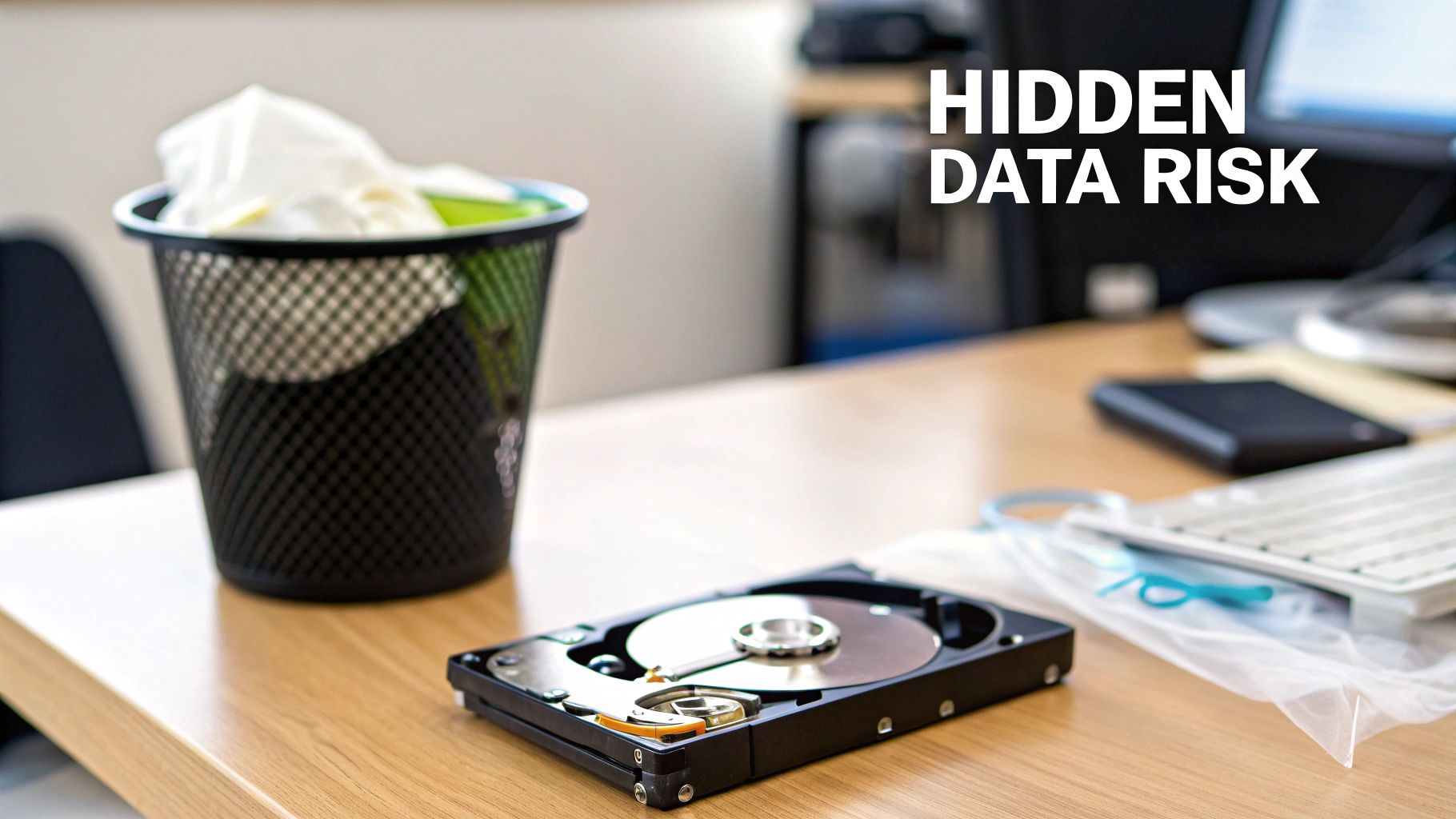
It’s a nightmare scenario for any business owner: realizing that a discarded hard drive wasn’t actually empty. Many businesses assume deleting files gets rid of them for good, but that couldn’t be further from the truth. All it does is tell the operating system that the space is now available for new data. The original files? They're still there, just waiting for someone with basic recovery software to find them.
Think of it this way: deleting a file is like crumpling up a confidential memo and tossing it in the bin. Anyone can easily pull it out, flatten it, and read every word. A secure wipe, on the other hand, is like running that memo through a cross-cut shredder. The information is gone forever.
The Real Cost of Improper Disposal
The consequences of getting this wrong go way beyond a simple data leak. For a business, the fallout can be devastating.
- Costly Data Breaches: A single compromised drive could expose thousands of customer records, sensitive employee files, or valuable trade secrets.
- Severe Compliance Penalties: Regulations like HIPAA, GDPR, and PCI DSS have strict rules about data disposal. A slip-up can lead to crippling fines.
- Irreparable Brand Damage: The moment news of a data breach hits, customer trust evaporates. That kind of damage can take years to repair, if ever.
This isn't just theory. When a company fails to properly delete hard drive data, it creates a serious vulnerability. That old server or retired employee laptop becomes a ticking time bomb, waiting for the wrong person to pick it up.
Data breaches are exploding globally, which makes secure hard drive destruction more critical than ever. In 2024 alone, the United States saw 3,158 reported data breach incidents, affecting roughly 1.35 billion people worldwide—a massive jump from 1,108 cases in 2020. We've seen massive incidents, like the ransomware attack on Change Healthcare, result in recovery costs climbing toward $2.87 billion. These numbers show why just wiping a drive isn’t always enough and why physical destruction is often the only way to guarantee permanent data elimination.
From IT Task to Business Imperative
Understanding how to delete a hard drive securely elevates this from a simple IT chore to a core part of your risk management strategy. It’s absolutely essential for protecting your company’s most valuable asset: its data. For a deeper dive, check out our guide on old hard drive disposal. And to really bolster your defenses against threats like ransomware, it’s worth looking into immutable backup solutions for ransomware defense.
Preparing Your Hard Drives for Secure Disposal
Before you even think about wiping a hard drive, a methodical prep process is the only way to avoid a catastrophic mistake. I’ve seen it happen: a rushed job leads to wiping the wrong server or misplacing a drive loaded with years of sensitive client data. A disciplined workflow isn't just a "best practice"—it's your first and best line of defense against a costly data breach.
The whole thing kicks off with a comprehensive inventory. Don't just make a mental note of which machines are being retired. You need to create a detailed log for every single asset tagged for disposal, whether it's a workstation, a server, or an external drive.
This inventory has to be meticulous. Each line item should include:
- Asset Tag or Serial Number: This unique identifier is non-negotiable for tracking.
- Device Type: Is it a laptop, a server, or part of a SAN? Get specific.
- Current Location: Note the department, server rack, or even the desk it was pulled from.
- Data Owner: Which department or individual is ultimately responsible for the data on that drive?
This level of documentation is what prevents that nightmare scenario of accidentally wiping a live production drive. It also forms the unshakable foundation of a defensible audit trail.
Verify Backups Before You Pull the Plug
With your inventory locked down, the next critical step is data backup. Even when a drive is headed for the shredder, you have to assume some of that data might be needed later for legal, operational, or archival reasons. Everyone knows to back up essential data, but the real failure point for most businesses is skipping the verification.
A backup is completely useless if it's corrupted or incomplete. Your team needs to perform a test restore of a few critical files or a full system image to confirm the backup is actually viable. Seeing a "Backup Complete" notification simply isn't enough; you need tangible proof that the data is accessible and whole before you proceed.
A critical mistake we've seen is when a business assumes its automated backup was successful, only to discover—after the drives are destroyed—that the backup had been failing silently for weeks. Always verify the integrity of your backup before you even think about the next step.
Establish a Clear Chain of Custody
Once a drive is officially approved for disposal, it enters the chain of custody. This is just a formal way of saying you need a documented, unbroken trail that tracks the asset from its original location to its final destruction. Think of it like evidence handling for your data—every person who touches the drive and every place it's stored has to be logged.
Your internal chain of custody document should record:
- The serial number of the drive.
- The name of the technician who removed it.
- The exact date and time of removal.
- The secure, locked location where it's stored pending destruction.
- Signatures for every handoff, both internally and to your disposal vendor.
This process single-handedly eliminates the risk of a drive "walking away" or ending up unaccounted for. For an in-depth look at the different erasure techniques you'll use after this prep stage, our guide on how to erase a hard drive offers more detailed insights. This careful preparation ensures that when it's time to destroy the data, you're 100% confident you're wiping the right assets securely and accountably.
Choosing the Right Data Destruction Method for Your Business
Once your hard drives are inventoried and prepped, you’ve reached a critical crossroads: how do you actually destroy the data for good? This isn’t just a technical decision—it’s a strategic one, shaped by your company’s security policies, regulatory pressures, and just how sensitive that data really is.
The three industry-standard methods are software wiping, degaussing, and physical shredding. Each has its place, and knowing when to use which is key to a rock-solid data security plan.
Before you do anything, though, there's one golden rule.
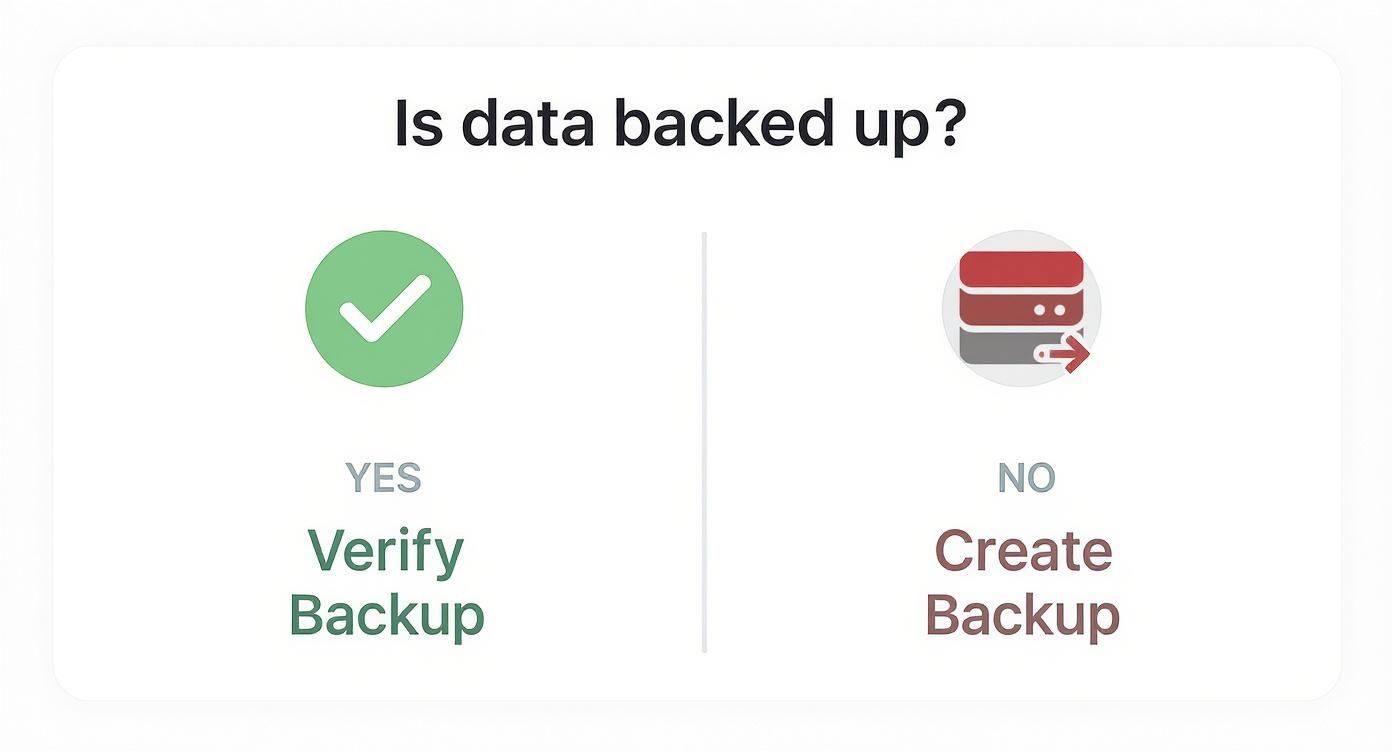
This first step is non-negotiable. Always, always have a verified and working backup before you even think about wiping or destroying a drive.
Software Wiping: The Go-To for Internal Reuse
Software wiping, often called data sanitization, is a process where a specialized program overwrites every single sector of a hard drive with random garbage data. Think of it like scrubbing a whiteboard clean. This is usually done in multiple passes—a 3-pass or 7-pass overwrite is common—to make sure the original information is completely gone and unrecoverable.
This is your best bet for drives you plan to repurpose within the company. For instance, when the accounting department gets upgraded laptops, their old ones can be securely wiped and given to new hires or another team. It’s a smart, cost-effective way to extend the life of your IT assets without risking a data leak.
But software wiping isn't a silver bullet. The process can take a long time, especially on high-capacity drives. It also runs into trouble with modern Solid-State Drives (SSDs). Because of how SSDs spread data around to prevent wear (a process called wear-leveling), the software might miss some data fragments. For traditional spinning hard drives (HDDs), it’s a solid choice.
Degaussing: The Magnetic Hammer for High-Security Media
Degaussing is a completely different animal. Instead of writing over data, it uses an incredibly powerful magnetic field to instantly scramble the magnetic coating on a hard drive's platters. This blast of energy completely neutralizes the magnetic charge that holds your data, rendering the drive unreadable and permanently useless.
It's extremely effective for magnetic media like HDDs and old-school backup tapes. Government agencies and contractors handling classified data often require it. One of the biggest pros is speed—a drive can be degaussed in just a few seconds.
The massive catch? Degaussing only works on magnetic storage. It has absolutely no effect on SSDs, which store data on flash memory chips. The process also fries the drive's firmware, so you can never use it again. It's strictly for end-of-life disposal.
For businesses in defense, finance, or intelligence, degaussing is often the minimum requirement for magnetic drives. It provides a level of security that software wiping can't match, but it's not a complete solution for a modern IT environment full of SSDs.
Physical Shredding: The Ultimate Failsafe
When data is so critical that even a microscopic chance of recovery is unacceptable, physical shredding is the only answer. This is exactly what it sounds like: we feed hard drives into an industrial shredder that chews them up and spits out tiny, unrecognizable pieces of metal and plastic.
There’s no software that can fail, no magnetic field to worry about. Just total physical annihilation.
Shredding is the undisputed gold standard for security. It's our recommended method for disposing of drives containing:
- Proprietary trade secrets or intellectual property.
- Sensitive customer data, like financial statements or medical records.
- Broken or obsolete drives, especially SSDs that can't be reliably wiped.
Because it completely obliterates the drive, shredding is the only way to guarantee compliance with the toughest data protection laws like HIPAA and GDPR. It's the only method that ensures data on an SSD is 100% destroyed. When you need absolute certainty, professional hard drive destruction services are the way to go.
Comparison of Hard Drive Deletion Methods
To make the choice clearer, here’s a quick rundown of how these three methods stack up against each other. Each has its own strengths and is designed for specific scenarios.
| Method | How It Works | Best For | Compliance Level | Verification | Key Consideration |
|---|---|---|---|---|---|
| Software Wiping | Overwrites the entire drive with random data patterns. | Reusing HDDs internally for non-critical assets. | Moderate to High (DoD 5220.22-M) | Software-generated report confirming successful overwrite. | Can be slow; not fully reliable for modern SSDs. |
| Degaussing | Uses a powerful magnetic field to erase data on magnetic media. | Destroying HDDs with highly sensitive or classified data. | High (for HDDs) | Magnetic field strength verification; drive becomes inoperable. | Renders the drive useless and is completely ineffective on SSDs. |
| Physical Shredding | Grinds the drive into small, irrecoverable metal fragments. | All drive types, especially SSDs and high-sensitivity data. | Absolute (NIST 800-88) | Certificate of Destruction, visual confirmation of shredded media. | The only guaranteed method for SSDs; total destruction. |
Ultimately, deciding how to delete your hard drive data comes down to a careful risk assessment. By matching the destruction method to your data's sensitivity and the drive's next destination—whether that’s a new employee’s desk or the recycling bin—you build a secure, compliant, and cost-effective plan for managing your company’s assets.
Navigating Data Destruction Compliance and Standards
For any business today, knowing how to wipe a hard drive is only half the battle. The other, more critical half, is proving you did it right—according to a dizzying number of regulations. Compliance isn't a friendly suggestion; it's a legal and operational must-have that protects your customers and your company from some seriously harsh penalties.
Get it wrong, and you're looking at fines that can cripple a business. We're talking millions of dollars for a single slip-up, not to mention the kind of damage to your reputation that you can't just bounce back from. This is exactly why having a documented, certified destruction process is non-negotiable.
The Major Frameworks for Data Destruction
Two big standards really set the stage for secure data sanitization in the U.S.: NIST 800-88 and DoD 5220.22-M. Think of them as the official rulebooks that define what "securely deleted" actually means in the real world.
- NIST 800-88: This is the current gold standard from the National Institute of Standards and Technology. It outlines methods for "Media Sanitization" and is widely adopted by everyone from government agencies to private companies because it’s so thorough, especially for modern hardware like SSDs.
- DoD 5220.22-M: An older standard from the Department of Defense, it’s famous for its 3-pass data overwrite method. While you'll still hear it mentioned, NIST 800-88 is what most experts consider the up-to-date and more complete framework for business use.
Figuring out which standard applies to your business is the first step in building a defensible data disposal policy. To get your process formalized on paper, using an IT security policy template can be a huge help.
Industry-Specific Compliance Mandates
On top of those foundational standards, many industries have their own strict data protection rules. These regulations don't just say that you have to protect data, but often dictate how you must get rid of it.
Take healthcare, for instance. A provider has to follow HIPAA (Health Insurance Portability and Accountability Act) rules when disposing of patient records. One mistake could mean mandatory public disclosures and painful fines. It's the same story for any business that touches credit card information—they live by PCI DSS (Payment Card Industry Data Security Standard).
And if you operate globally, regulations like Europe's GDPR (General Data Protection Regulation) add another layer, enforcing a "right to be forgotten" that demands verifiable data destruction.
In a real-world scenario, a hospital decommissioning a server room doesn't just need to wipe the drives. They need to choose a method—like physical shredding—that aligns with HIPAA's stringent requirements and receive a detailed Certificate of Destruction that proves compliance to auditors. This document is their legal shield.
The Growing Demand for Certified Destruction
The increasing complexity of these rules is why the global market for hard drive destruction services is blowing up. It was valued at around USD 1.5 billion in 2023 and is projected to hit USD 3.6 billion by 2032. This boom is driven by businesses looking for expert partners to handle compliance and take risk off their plate.
Ultimately, navigating compliance is all about creating a clear, unbroken audit trail. Every single step, from taking inventory of a drive to its final disposal, must be documented. A certified process gives you the crucial paperwork, like a Certificate of Destruction, that shows auditors you met every legal obligation, protecting your business from costly legal battles down the road.
Why Proof of Destruction Is Your Legal Safeguard
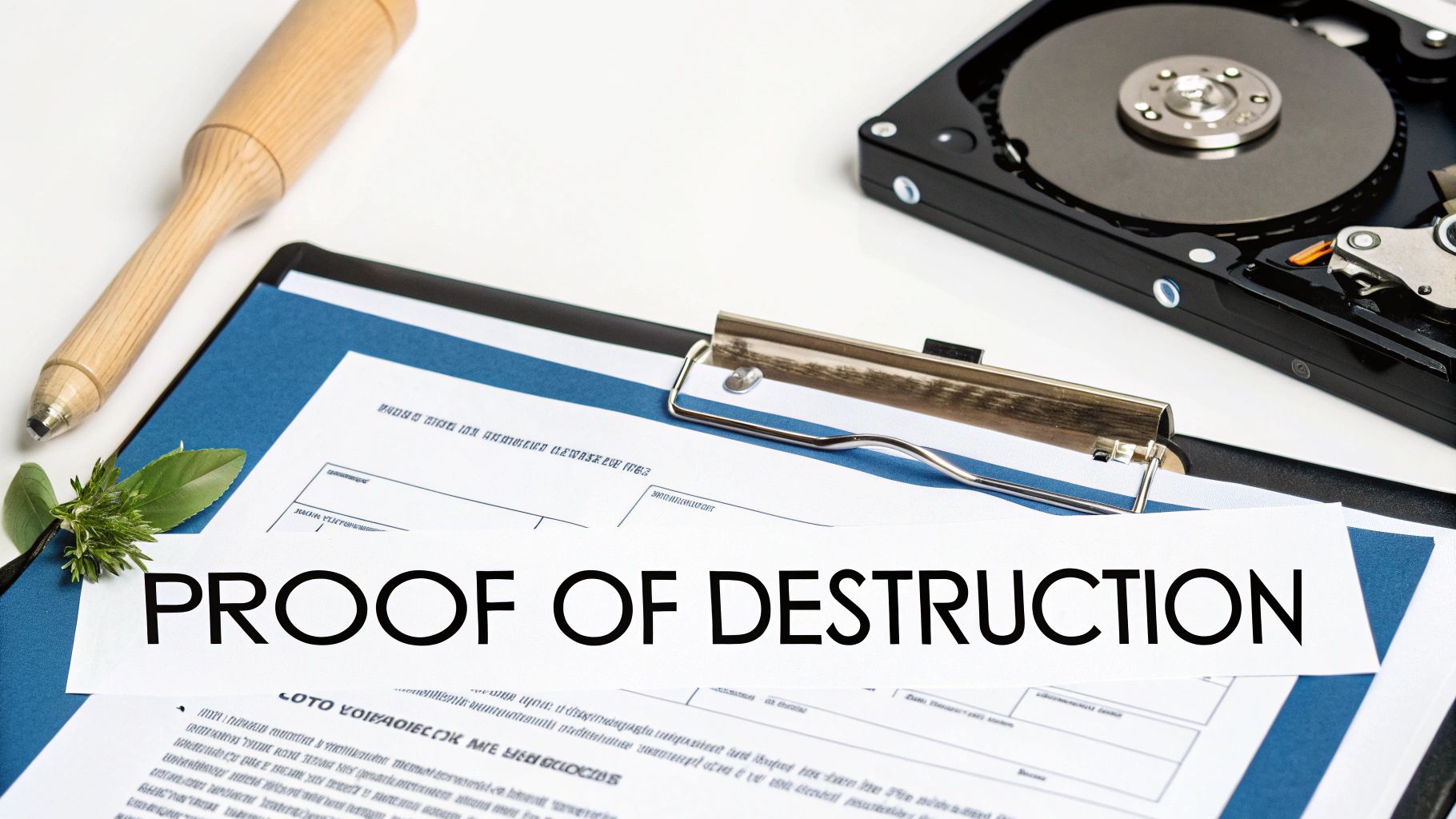
Here's a hard truth: successfully destroying a hard drive is only half the battle. The job isn’t truly finished until you have the legally defensible paperwork to prove you did it. In the world of IT asset disposition (ITAD), that proof is your ultimate legal shield, turning a simple disposal task into a documented, auditable event.
Without it, you're exposed. If an auditor asks what happened to a server that held thousands of patient records, just saying "we shredded it" offers zero protection. You need an official record that can stand up to intense scrutiny from regulators, legal teams, and clients.
The Certificate of Destruction Explained
This is where the Certificate of Destruction comes into play. Think of it as more than a receipt; it’s a formal, legally binding document confirming the secure and permanent disposal of your data-bearing assets. It’s the final, critical piece of your compliance puzzle, proving you’ve done your due diligence.
A legitimate Certificate of Destruction is incredibly detailed. To be considered valid for an audit, it absolutely must include:
- Unique Serial Numbers: Every single hard drive or asset destroyed must be listed by its individual serial number. No exceptions.
- Destruction Method: The certificate should clearly state how the drives were destroyed—shredded, degaussed, or sanitized—and reference the specific compliance standard met (like NIST 800-88).
- Date and Location of Destruction: This pinpoints exactly when and where the assets met their end.
- Authorized Signatures: Signatures from both your company and the certified destruction vendor create a shared accountability record.
This document closes the loop on each asset’s lifecycle. It gives you the concrete evidence needed to satisfy compliance requirements for regulations like HIPAA or PCI DSS.
When you delete a hard drive without certified proof, you leave a gaping hole in your security story. A Certificate of Destruction fills that gap with undeniable facts, protecting your business from the "what ifs" that can lead to seven-figure fines.
Maintaining an Unbroken Chain of Custody
The integrity of your Certificate of Destruction hangs entirely on the process that comes before it: the chain of custody. This is the documented, chronological trail that tracks every single movement of your hard drives, from the moment they leave your control until they’re turned into dust.
A professional ITAD partner establishes a rigorous chain of custody that leaves no room for error or ambiguity. The entire process should be transparent and verifiable at every stage.
Here’s what you should expect from a professional partner—and what we deliver:
- On-Site Inventory Scan: Before a single drive is moved, a technician scans its serial number, creating an initial manifest that matches your internal records perfectly.
- Secure, Locked Transport: Assets are then placed in sealed, locked containers and transported in a secure vehicle. There should be absolutely no opportunity for a drive to be misplaced or accessed in transit.
- Facility Check-In: Upon arrival at the certified destruction plant, the container seals are inspected, and the assets are scanned again to confirm the manifest is 100% accurate.
- Final Verification and Destruction: The drives are destroyed, and the serial numbers are recorded one last time alongside the method and date of destruction. Only then is the official certificate issued.
This unbroken chain provides a bulletproof audit trail. It guarantees that the serial number on your inventory list is the exact same one confirmed on your final Certificate of Destruction. No asset lost, stolen, or mishandled. It's this meticulous level of detail that separates professional ITAD from risky, undocumented disposal.
When to Partner with a Professional Destruction Service
While software-based wiping has its place, trying to manage hard drive data destruction internally rarely meets the intense security and compliance needs of a modern business. It only takes one mistake—a single missed drive or an incomplete wipe—for the risks to completely overshadow any perceived cost savings.
Bringing in a certified data destruction partner isn't just about handing off a task. It's about transferring risk and guaranteeing compliance, plain and simple.
Key Triggers for Professional Services
At a certain point, calling in the experts becomes non-negotiable. This is especially true when the scale, sensitivity, or regulatory weight of the job demands a flawless process and an unbreakable chain of custody.
You should consider a professional service essential when you are:
- Decommissioning a Data Center: The sheer logistics of securely wiping hundreds, or even thousands, of drives are staggering. A professional service manages the entire workflow, from inventory and validation to final destruction, making sure no asset slips through the cracks.
- Meeting Strict Regulatory Mandates: For any business governed by HIPAA, PCI DSS, or GDPR, proof of destruction is just as critical as the destruction itself. Certified vendors deliver the legally defensible documentation you need to pass an audit with flying colors.
- Lacking Internal Expertise: Let’s be honest, not every IT team has the specialized training or expensive equipment to correctly destroy every type of media—especially newer SSDs. Outsourcing ensures the job is done right, following established NIST standards.
This growing need for specialized, professional-grade equipment is fueling massive market growth. The hard disk destruction equipment market was valued globally at over $650 million and is projected to skyrocket to nearly $1,927 million by 2027. Businesses with serious compliance obligations are the main drivers, with the commercial segment alone estimated at $450 million. You can dig deeper into the growth of the data destruction market on marketreportanalytics.com.
On-Site vs. Off-Site Destruction: A Crucial Choice
One of the most important decisions you’ll make is whether to have your drives destroyed on-site or off-site.
On-site shredding, where a mobile destruction vehicle comes directly to your facility, offers unmatched peace of mind. Your team can physically watch the hard drives turn into fragments before they ever leave your property.
For many stakeholders, especially in finance and healthcare, witnessing the physical destruction of sensitive assets is the only way to achieve absolute confidence. It eliminates any chain-of-custody concerns during transit and provides immediate, visual confirmation of data elimination.
Off-site destruction is also a highly secure and often more cost-effective option for larger volumes of drives. The key is to work with a partner you can trust. Choosing from reliable electronic waste disposal companies that provide a transparent, fully documented process is crucial for maintaining security from your door to theirs.
Ultimately, a professional service positions your business to handle data disposal securely, efficiently, and with complete accountability.
Your Hard Drive Deletion Questions, Answered
When it comes to securely getting rid of old hard drives, a lot of practical questions come up. We hear them all the time from businesses trying to do the right thing. Let's clear up some of the most common ones so you can feel confident you’re protecting your company's assets.
Can I Just Smash My Old Hard Drives With a Hammer?
It might feel satisfying to take a hammer or a drill to an old drive, but for a business, it's a huge liability. These DIY methods almost never destroy the data platters completely. It’s surprisingly easy for a determined person to recover data from the remaining fragments.
Even more importantly, there's no way to prove you actually destroyed the data. This leaves you completely exposed in a compliance audit or legal situation. You have zero documentation to fall back on.
Professional shredding is the only surefire way to reduce a drive to tiny, worthless pieces of metal and plastic. It’s also the only method that provides a legally sound Certificate of Destruction to keep in your records. That piece of paper is your ultimate proof of compliance.
What’s the Real Difference Between Wiping an HDD and an SSD?
How you destroy the data really depends on what’s inside the drive.
Traditional Hard Disk Drives (HDDs) are mechanical, storing data on spinning magnetic platters. You can reliably wipe them clean with professional software that overwrites the data multiple times, or by degaussing them with a powerful magnet.
Solid-State Drives (SSDs), on the other hand, are a different beast. They use flash memory chips, and the drive’s own internal software is constantly moving data around to prevent wear and tear. This makes standard wiping software unreliable—you can never be sure you got everything. For SSDs, the most secure options are a specific ATA Secure Erase command or, for absolute certainty, physical shredding. Shredding is the only way to guarantee those little memory chips are completely demolished.
How Much Is Professional Hard Drive Destruction Going to Cost?
The cost can vary a bit based on how many drives you have, whether you want us to come to you (on-site) or you bring them to us (off-site), and if you need extra services like asset tracking.
But here’s the thing: that cost is a tiny fraction of what a data breach would cost. A single breach can run into the millions when you factor in regulatory fines, legal battles, and the permanent damage to your company's reputation. The best way to know for sure is to get a custom quote tailored to what you actually need.
When your business needs a data destruction solution that is guaranteed, documented, and fully compliant, you need an expert you can trust. Atlanta Computer Recycling provides certified hard drive shredding services that eliminate risk and give you total peace of mind.
Ready to create a secure IT asset disposition plan? Contact us today at https://atlantacomputerrecycling.com.